Free JPG Converter Online
JPG Converter
JPG Converter Online – Free Image to JPG Converter
JPG Converter is one of those image formats that we use almost every day. Photos from phones, website images, social media pictures, and many other types of images are commonly saved as JPG files. But sometimes an image is available in PNG, WEBP, BMP, or another format, while the website or application you are using only accepts JPG.
This is where a JPG Converter can be useful.
Instead of opening complicated photo-editing software, you can simply select your image and convert it to JPG. It is a convenient option when you only need to change the image format and do not want to spend time learning an editing program.
Our JPG Converter is made with a simple idea: select an image, choose the format you need, convert it, and download the result. The goal is to make image conversion easy for both beginners and regular users.
How to Use JPG Converter
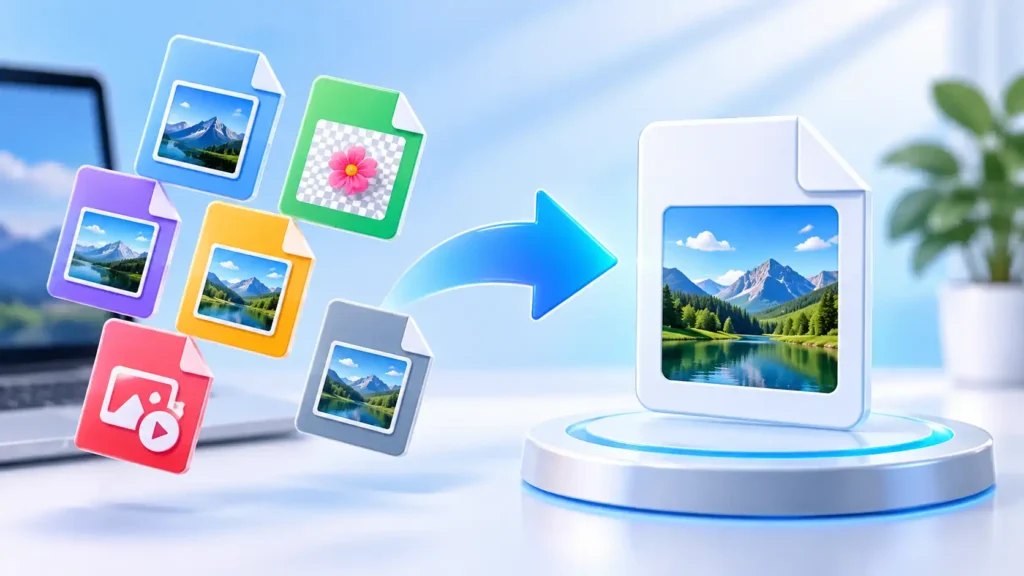
Converting an image is usually a very simple process. You don’t need to be an experienced designer or photo editor.
Here is how it works:
- Choose your image
Click the upload area and select the image from your device. You can also drag and drop the file when supported. - Select the output format
Choose JPG from the available formats. - Adjust the settings
If you want, you can change the image quality or other available options before converting. - Convert the image
Click the conversion button and let the tool process your file. - Download the result
When the conversion is finished, download your new JPG image.
For a small image, the whole process can take only a few seconds. Larger images may take a little longer depending on your device.
Features of Our JPG Converter
We designed the tool around the things people normally need when converting images.
Simple Interface
You don’t have to search through complicated menus. The main options are kept simple so you can get started quickly.
Fast Image Conversion
The converter is designed for everyday image conversion without unnecessary steps.
Browser-Based
The conversion can be performed directly in your web browser. This means you don’t need a separate image-editing application for basic format conversion.
Multiple Format Support
Depending on the browser and conversion method, the tool can work with several common image formats.
Quality Control
When converting to JPG, you may want to balance image quality and file size. The quality setting lets you choose the level that works best for your particular use.
Works on Different Devices
You can use a browser-based converter from a desktop, laptop, tablet, or smartphone.
No Complicated Installation
There is no need to install a large photo-editing program just to convert an image.
Easy Download
After conversion, you can save the finished JPG file directly to your device.
Free Online JPG Converter
Sometimes you only need to convert one image and don’t want to install software or create an account for it. A free online JPG converter can be a much easier solution in that situation.
You can open the tool in your browser, select the image, and convert it without going through a complicated setup process.
It can be useful for many everyday tasks. For example, you might need a JPG image for a website, an online application, an email attachment, a social media post, or a document.
Another useful part of browser-based conversion is convenience. You can use the tool from different devices without having to install the same software everywhere.
When conversion happens locally in the browser, the image can be processed on your own device instead of being sent to an image-processing server. This can be a better approach for people who are concerned about keeping their personal images private.
Supported Formats
The converter may support several popular image formats, depending on the specific conversion and browser capabilities.
Common formats include:
- JPG
- JPEG
- PNG
- WEBP
- BMP
- GIF
- TIFF
- SVG
- HEIC
Some formats need additional browser technology to decode or encode them properly. For example, HEIC, TIFF, and GIF can require specialized processing compared with standard JPG or PNG files.
The important thing to remember is that not every format behaves in exactly the same way. For example, JPG does not support transparency, so a transparent PNG may look different after it is converted to JPG.
FAQ
What is a JPG Converter?
A JPG Converter is an online tool that changes an image from one supported format into JPG. It is useful when you need a JPG file for a website, application, document, or another purpose.
Can I convert PNG to JPG?
Yes. PNG images can be converted to JPG. However, PNG supports transparent backgrounds while JPG does not, so transparent areas may need to be replaced with a solid background.
Can I convert WEBP to JPG?
Yes, supported WEBP images can be converted to JPG. This is useful when you need your image in the more commonly requested JPG format.
Is a JPG Converter free?
Yes, our online JPG Converter is designed to provide image conversion without requiring paid image-editing software.
Do I need to install an application?
No. If you are using the browser-based version, you can use the converter directly from your web browser.
Can I use it on my phone?
Yes. You can use a browser-based JPG Converter on a smartphone or tablet as long as your browser supports the required features.
Will converting an image to JPG reduce quality?
It can. JPG uses compression, which may remove some image information. A higher quality setting generally preserves more detail but can result in a larger file.
Can I convert JPG to PNG?
Yes. A JPG image can be converted to PNG. However, converting JPG to PNG will not bring back details that were already lost from the original JPG.
Is JPG the same as JPEG?
Yes. JPG and JPEG refer to the same basic image format. The two file extensions are commonly used for the same type of image.
Are my images uploaded to a server?
If the converter is processing files directly in your browser, the image can be processed locally on your device rather than uploaded to a conversion server. This makes browser-based processing a useful option when privacy is important.