JPG to WebP Converter
Convert JPG images to WebP format quickly and securely in your browser.
Upload JPG Image
Drag & drop your image here or click to browse
Maximum file size: 20MBJPG to WebP Converter – Convert JPG to WebP Online Free
JPG to WebP conversion is an easy way to change your JPG images into the modern WebP format. WebP images can provide a good balance between image quality and file size, which makes them useful for websites, blogs, online stores, and everyday image use.
With our free JPG to WebP converter, you can convert JPG and JPEG images directly in your browser. There is no need to install software, create an account, or use an external API. Upload your image, choose the quality you want, convert it, and download your WebP image.
How to JPG to WebP
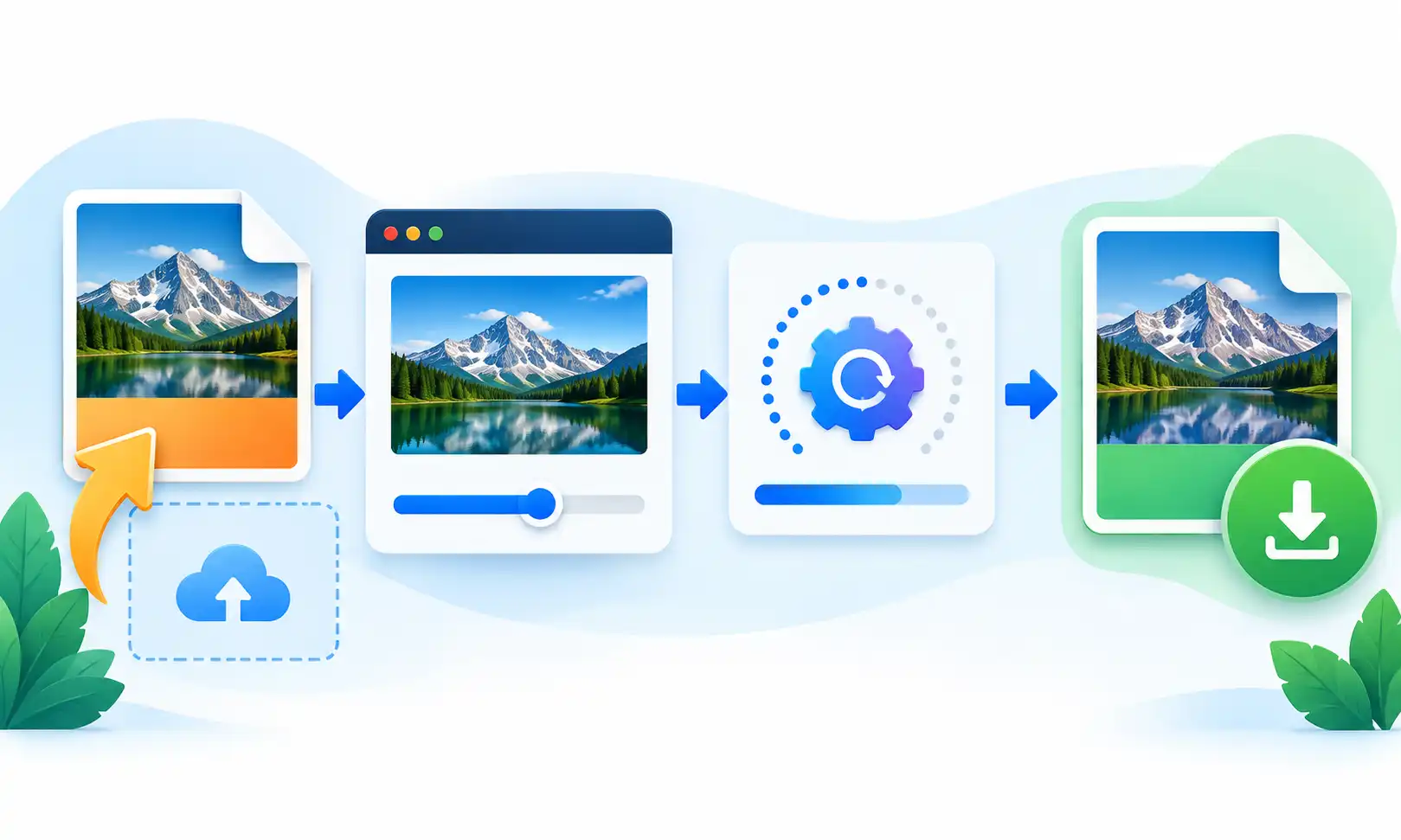
Converting a JPG image to WebP only takes a few simple steps. You do not need any special image editing experience to use the converter.
Upload Your JPG Image
Choose a JPG or JPEG image from your computer, phone, or tablet. You can also drag and drop your image into the upload area.
Choose WebP Quality
Adjust the quality slider to find the right balance between image quality and file size.
Convert JPG to WebP
Click the Convert to WebP button and let your browser process the image.
Download Your WebP
Once the conversion is complete, download your converted WebP image to your device.
Features of Our JPG to WebP
Our JPG to WebP converter is designed to keep image conversion simple and convenient. Here are some of the main features you can use.
Fast Conversion
Convert JPG images to WebP quickly without complicated settings or unnecessary steps.
Private & Secure
Image processing can happen directly in your browser without sending your image to a third-party API.
Quality Control
Choose the WebP quality level that works best for your image and file size requirements.
Works on All Devices
Use the converter on desktop computers, tablets, and modern mobile browsers.
Free to Use
Convert JPG images to WebP without registration, subscription, or API key.
Easy to Use
Upload your image, adjust the quality, convert it, and download the result in just a few clicks.
Free Online JPG to WebP
If you need a simple way to convert JPG to WebP online, this free converter is designed for everyday use. You can use it directly from your browser without installing an image editing program.
JPG is a widely used image format, while WebP is a modern format that can be useful for web images. Depending on the image and quality setting, a WebP version may have a smaller file size while still looking clear.
Smaller image files can be useful when you are preparing images for a website. They can take less storage space and may require less data when transferred to a visitor's browser.
Convert JPG images online
Choose your preferred WebP quality
Reduce unnecessary image file size
Download the converted WebP image
Why Convert JPG to WebP?
WebP is designed for efficient image delivery on the web. For many images, it can provide a useful balance between visual quality and file size.
This can be helpful for website owners, bloggers, designers, developers, and online store owners who want to prepare images for web use.
- Make images more suitable for modern websites
- Potentially reduce image file size
- Save storage space when smaller files are created
- Prepare images for web pages and blogs
- Choose a quality level before conversion
WebP Quality Settings
The quality setting determines how much compression is applied when creating the WebP image. A higher quality setting generally keeps more visual detail, while a lower setting can produce a smaller file.
There is no single quality setting that is perfect for every image. Photographs with lots of detail may benefit from higher quality, while simple images may work well with a lower setting.
Supported Formats
The JPG to WebP converter is designed to accept common JPG image files and create WebP output.
JPG vs WebP
JPG and WebP are both commonly used image formats, but they are designed with different goals. JPG has been widely supported for many years, while WebP was created as a more modern format for efficient image delivery.
Related Image Tools
After converting your JPG image to WebP, you may also find these image tools useful.
Frequently Asked Questions
What is JPG to WebP?
JPG to WebP is the process of converting a JPG or JPEG image into WebP format. WebP is a modern image format that can provide efficient compression while maintaining good visual quality.
Is this JPG to WebP converter free?
Yes. You can use the JPG to WebP converter for free without registration or an API key.
Do I need an API to convert JPG to WebP?
No. The conversion can be performed directly in your browser, so an external image conversion API is not required.
Can I convert JPG to WebP on mobile?
Yes. The tool is designed to work on modern mobile, tablet, and desktop browsers.
Will converting JPG to WebP reduce quality?
The result depends on the quality setting you select. Higher quality generally keeps more image detail, while lower quality can create a smaller file.
Are my JPG images uploaded to a server?
The converter is designed to process the image directly in the browser. The image-processing step does not require a third-party conversion API.
What is the difference between JPG and WebP?
JPG is a widely supported image format, while WebP is a newer format designed for efficient image delivery and compression on the web.
What is the maximum file size?
The converter supports JPG images up to 20 MB.
Can I choose the WebP quality?
Yes. You can adjust the quality slider before converting your JPG image.
Do I need to install software?
No. You can use the converter directly in a modern web browser.
Ready to Convert Your JPG?
Convert your JPG image to WebP quickly and easily using the converter above.
Convert JPG to WebP →