Image Editor Online – Edit Your Images Easily
Make quick and useful changes to your pictures with our simple Image Editor. Crop, resize, rotate, adjust, add text, draw, and prepare your image for your next project without dealing with a complicated editing interface.
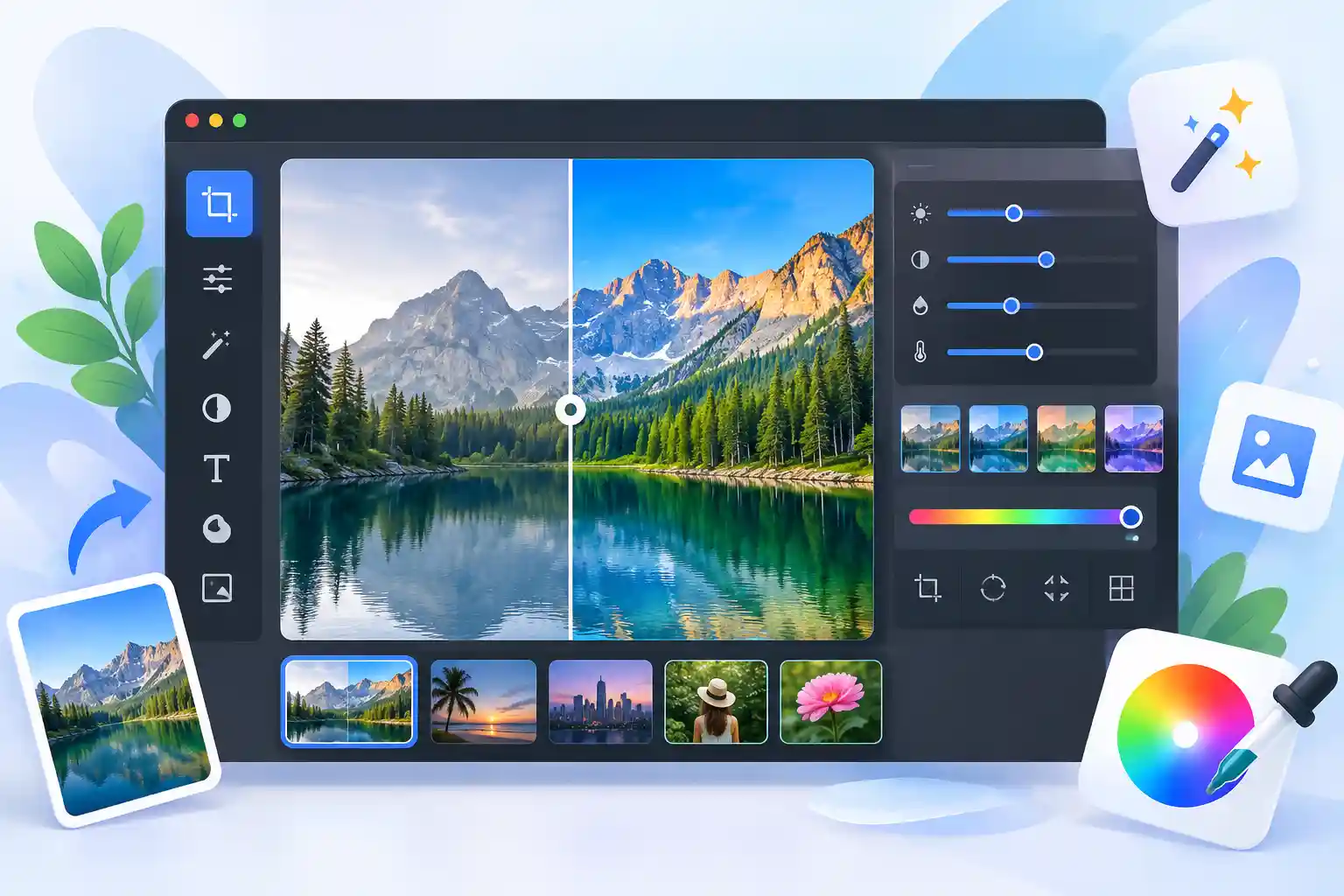
Image Editor Online – Edit Images Free
An Image Editor is a useful tool when you want to make changes to a picture without going through a complicated editing process. Sometimes you only need to crop a photo, change its size, rotate it, adjust the appearance, or add a little text. A simple online image editor can make these everyday tasks much easier.
Our Image Editor is designed for those practical editing jobs. You can work with your image directly in the browser and use the tools that match what you need. Whether you are preparing an image for a website, a document, a presentation, or a personal project, the goal is to keep the process clear and easy to follow.
How to Use Image Editor
You do not need advanced photo editing knowledge to get started. Just follow a few simple steps and make the changes you need.
Upload Your Image
Choose the image you want to edit and open it in the editor.
Choose a Tool
Select crop, resize, rotate, adjust, text, drawing, or another available option.
Edit the Image
Use the controls to make your picture look the way you want.
Check the Result
Preview your edited image and make any final changes if necessary.
Download
Save the finished image in the format you need for your project.
Features of Our Image Editor
We keep the most useful image editing options together so you can handle common tasks without switching between several different applications.
Image Cropper
Crop unwanted parts of a photo and keep only the area that matters.
Image Resizer
Change the width and height of an image when you need different dimensions.
Rotate & Flip
Rotate your image or flip it horizontally and vertically with simple controls.
Image Adjustments
Make useful visual adjustments to improve the appearance of your image.
Add Text
Add titles, labels, notes, or other text directly to your image.
Draw & Shapes
Draw on your picture and add shapes when you need to highlight something.
Free Online Image Editor
A free online image editor can be useful when you need to make a quick change without installing a large photo editing program. Instead of learning a complex interface for a simple task, you can open an online photo editor and work with the tools you actually need.
Our approach is simple: keep common image editing features easy to find and straightforward to use. You can use the editor for everyday photos, website images, content projects, documents, and other personal or professional work.
Supported Image Formats
The editor can work with several commonly used image formats. Actual support may depend on the browser and the particular file you are using.
Related Image Tools
Looking for a tool made for one specific image task? Explore these related tools to handle common image jobs more directly.
Frequently Asked Questions
What is an Image Editor?
An Image Editor is a tool that lets you make changes to pictures, such as cropping, resizing, rotating, adjusting, adding text, and drawing.
Can I edit images online for free?
Yes. An online image editor can be used for common editing tasks directly from a web browser without needing a traditional desktop editing workflow.
Can I crop and resize my image?
Yes. Cropping lets you remove unwanted areas, while resizing changes the image dimensions to suit your needs.
Can I add text to an image?
Yes. You can add text to create simple labels, titles, notes, or other visual information on your image.
Which image formats are supported?
Common formats include JPG, JPEG, PNG, WEBP, GIF, BMP, TIFF, HEIC, and SVG. Browser support can vary depending on the specific format.
Do I need to install image editing software?
No desktop software is required for an online editing workflow. You can use a supported browser to access the editor and perform common image edits.
Is the Image Editor suitable for beginners?
Yes. The content and controls are designed around common image editing tasks, so you can start with simple edits and explore more options as needed.