Resize JPG Online – Free JPG Image Resizer
Resize JPG Image
Upload your JPG image and resize it to your desired dimensions.
JPG or JPEG onlyResize JPG Online Free – Fast & Easy JPG Resizer
Resize JPG, Sometimes a JPG image is simply too large for a website, social media post, email, or online form. A large image can take longer to upload and may also use more storage than necessary. That is where a JPG resize tool can be useful.
Our Resize JPG tool lets you change the width and height of a JPG image quickly from your browser. You can choose the dimensions you need and download the resized image without installing any software.
The tool is designed to be simple, so you do not need advanced image editing skills to resize a photo.
How to Resize JPG
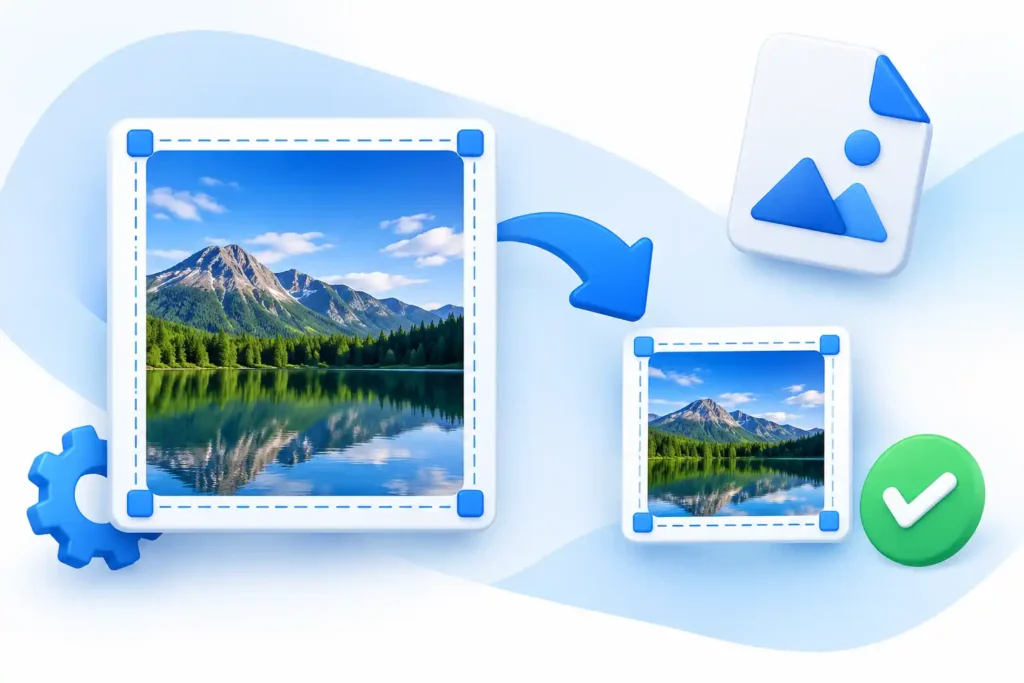
Resizing a JPG image only takes a few simple steps:
- Upload your JPG image
Select the JPG or JPEG photo you want to resize. - Enter your desired dimensions
Set the width and height in pixels. You can keep the aspect ratio locked if you want to maintain the original shape of the image. - Adjust JPG quality
Choose the image quality according to your needs. Higher quality can keep more image detail, while lower quality can help reduce the file size. - Click Resize JPG
The tool will process the image and create a new JPG with your selected dimensions. - Download the resized image
Once the resizing is finished, download the new JPG file to your device.
Features of Our Resize JPG Tool
Our online JPG resizer is made for quick and straightforward image resizing.
Easy JPG Resizing
You can resize a JPG photo by entering the exact width and height you need. There is no complicated editing interface to learn.
Maintain Aspect Ratio
The lock aspect ratio option helps keep the original proportions of your image when changing its dimensions. This can prevent the photo from looking stretched or squeezed.
JPG Quality Control
You can adjust the JPG quality before creating the resized image. This gives you more control over the balance between image quality and file size.
Image Preview
After selecting an image, you can preview it before resizing. This makes it easier to check that you have chosen the correct photo.
No Software Installation
You can use the JPG resize tool directly from your web browser. There is no desktop application to download or install.
Fast and Simple
The tool is built for everyday image resizing. Whether you need a smaller photo for a website or a specific size for an online form, the process is quick and easy.
Free Online Resize JPG
Our free online JPG resizer is designed for users who want to resize images without paying for image editing software.
You can upload a JPG, choose your preferred dimensions, adjust the quality, and download the resized file. The tool works directly in your browser, making it convenient to use from a computer, tablet, or mobile device.
It can be useful for bloggers, website owners, students, freelancers, and anyone who regularly needs to change image dimensions.
You do not need Photoshop or other complicated editing software just to resize a JPG image.
Supported Formats
The tool currently supports:
- JPG
- JPEG
JPG and JPEG are commonly used for photographs and other images with many colors.
If your image is in another format, you may need to convert it to JPG first before using the JPG resizer.
Frequently Asked Questions
What is a JPG resizer?
A JPG resizer is an online tool that changes the width and height of a JPG image. It can be used to make an image smaller or create a specific image dimension.
Can I resize JPG images for free?
Yes. You can use our online JPG resizer to change the dimensions of a JPG without purchasing image editing software.
Can I resize a JPG without losing quality?
Resizing an image can affect its quality, especially when making a photo much larger than its original dimensions. Using a suitable size and a higher JPG quality setting can help preserve more detail.
Can I resize JPG to a specific size?
Yes. You can enter the exact width and height in pixels. For example, you can resize an image to 800 × 600 pixels or another dimension you need.
Does resizing a JPG reduce the file size?
It can. If you reduce the image dimensions, the resulting JPG will often have a smaller file size. The final size also depends on the image content and JPG quality setting.
Do I need to install software?
No. The tool works through your web browser, so you do not need to install an image editing application.
Can I resize JPG on my phone?
Yes. If your browser supports the tool, you can use it on a smartphone or tablet as well as on a desktop computer.
What is the difference between JPG and JPEG?
JPG and JPEG refer to the same image format. The difference is mainly in the file extension; both are commonly used for photographs and compressed images.