WebP Converter
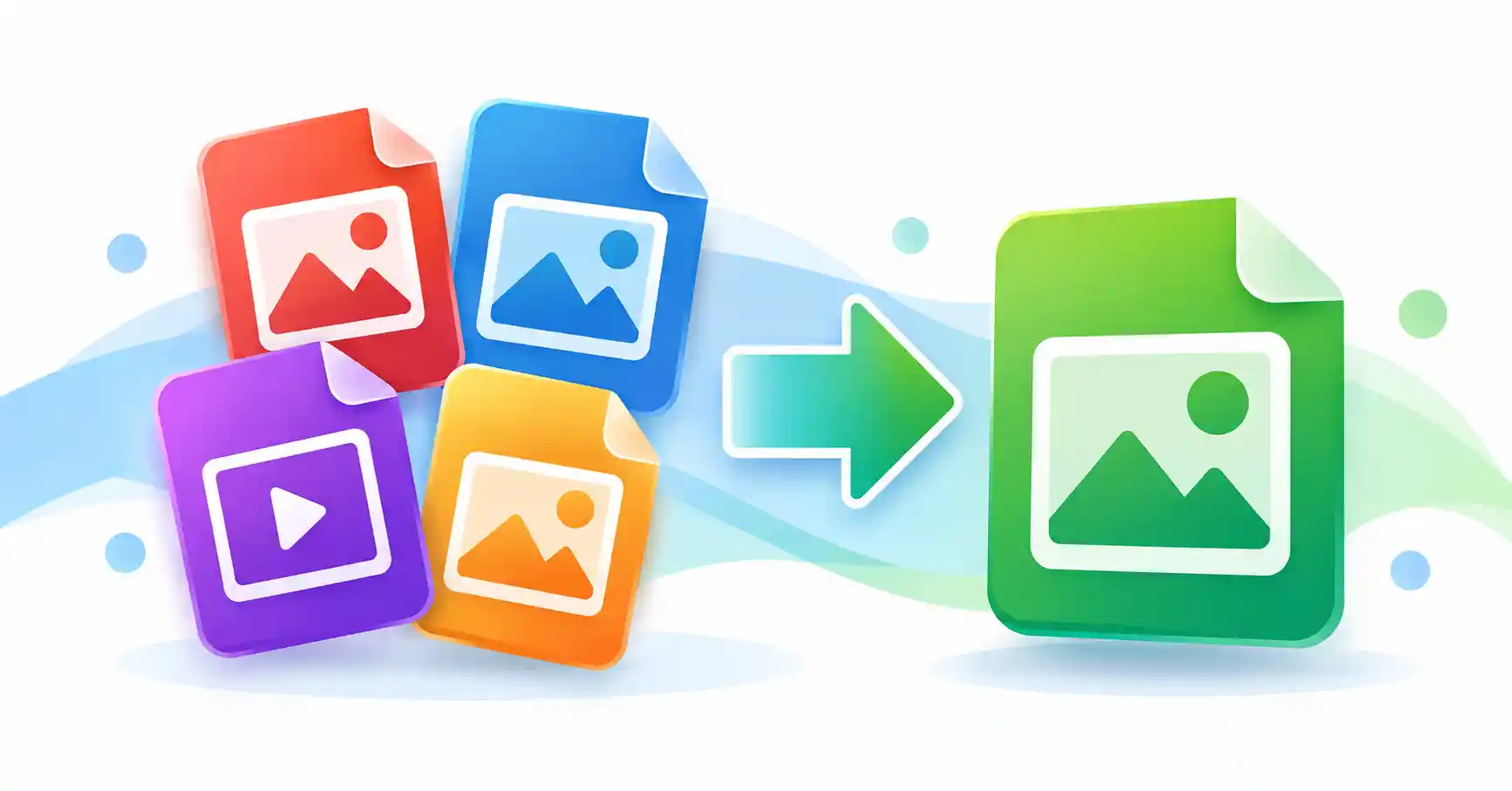
A WebP Converter makes it easy to convert JPG, PNG, GIF, and BMP images into the modern WebP format. If you want smaller image files without changing the way your pictures look, converting images to WebP can be a useful option for websites, blogs, online stores, and everyday image sharing.
Our free WebP Converter is designed to keep the process simple. Choose your image, adjust the quality if needed, and convert it to WebP directly in your browser. You do not need an API key, special software, or complicated image editing tools.
What Is WebP Converter?
WebP is an image format developed for efficient image delivery on the web. It supports both lossy and lossless compression, which means it can be used for different types of images and quality requirements. WebP can also support transparency, making it useful for many images that are commonly used on websites.
In practical terms, the main reason people use WebP is simple: images can often be delivered with less file size while maintaining useful visual quality. Smaller image files can also make websites easier to load, especially when a page contains many images.
How to Use the WebP Converter
Converting an image does not have to be complicated. Follow these simple steps to create a WebP file from your existing image.
Choose an Image
Click the Choose Images button and select a JPG, PNG, GIF, or BMP image from your device. You can also drag and drop supported images into the upload area.
Adjust the Quality
Use the quality control when you want to balance image quality and file size. A higher quality setting generally keeps more visual detail, while a lower setting can create a smaller file.
Convert to WebP
Click Convert to WebP and let your browser process the image. After the conversion is complete, the new WebP file is ready to download.
Download Your File
Download the converted WebP image and use it on your website, blog, online store, social project, or wherever you need it.
Supported Image Formats
The converter is built for several common image formats, so you can handle different files without using separate conversion tools.
Convert JPG photos and graphics to WebP for web-friendly image delivery.
Convert PNG images to WebP while keeping the image dimensions during the conversion.
Convert supported GIF images into WebP directly in your browser.
Turn BMP images into the more web-friendly WebP format without installing desktop software.
Why Convert Images to WebP?
Images are an important part of almost every modern website. However, large image files can take up more storage and require more data to transfer. Choosing an efficient image format can therefore be useful when you are preparing images for online use.
Smaller Image Files
Depending on the original image and the selected compression settings, WebP can produce a smaller file than some traditional image formats. This can be particularly useful when you are working with a large collection of website images.
Useful for Websites
WebP is designed with web delivery in mind. Converting suitable images before uploading them to a website can help you manage image file sizes more efficiently.
Supports Transparency
WebP supports transparency, which makes it useful for certain graphics, icons, illustrations, and other images where a transparent background is important.
Easy to Use
You do not need advanced image editing knowledge to convert an image. Select a file, choose your preferred quality, convert it, and download the result.
Browser-Based Image Conversion
This WebP Converter is designed to process supported images directly in your browser. That makes the workflow simple and avoids the need for a separate desktop application or an API service for basic conversions.
The conversion process uses your browser's built-in image and canvas capabilities. Your workflow stays simple: select an image, convert it, and download the result.
Choosing the Right WebP Quality
Image quality is one of the most important settings when converting images. There is no single quality level that works perfectly for every image, so it is useful to choose a setting based on how you plan to use the file.
Useful when preserving more visual detail is important, such as product images, photographs, or artwork.
A practical choice for many website images when you want a balance between appearance and file size.
Can be useful when reducing file size is more important than preserving every small visual detail.
Who Can Use a WebP Converter?
A WebP conversion tool can be useful for many different users. You do not need to be a professional designer or developer to use it.
- Website owners: Prepare images before adding them to a website.
- Bloggers: Convert article images into a web-friendly format.
- Developers: Prepare image assets for websites and web applications.
- Designers: Create WebP versions of graphics and visual assets.
- Online store owners: Prepare product images for online pages.
- Students and everyday users: Convert images without installing additional software.
Tips for Better WebP Conversion
Start With the Original Image
Whenever possible, convert a good-quality original image rather than repeatedly converting an already compressed copy.
Check the Final File
After conversion, open the WebP file and check its appearance before publishing it on your website.
Use a Suitable Quality Level
Do not automatically choose the lowest quality. Find a practical balance between visual quality and file size for your specific image.
Keep the Original
If the image is important, keep your original JPG, PNG, GIF, or BMP file so you can create another version later if necessary.
Frequently Asked Questions About WebP Conversion
What is a WebP Converter?
A WebP Converter is a tool that changes supported image files such as JPG, PNG, GIF, or BMP into the WebP image format. It is useful when you want to prepare images for modern web projects.
Can I convert JPG to WebP for free?
Yes. You can use the converter to turn supported JPG images into WebP without needing paid image editing software.
Can I convert PNG to WebP?
Yes. PNG images are supported, so you can convert PNG files into WebP and download the converted image.
Can I convert GIF to WebP?
Supported GIF images can be converted to WebP. However, animated GIFs may not preserve their animation when processed through a standard browser canvas conversion.
Can I convert BMP to WebP?
Yes. Supported BMP images can be converted to WebP using the converter.
Do I need an API to convert images?
No API is required for the browser-based conversion workflow used by this tool. The supported image conversion can be performed directly in the browser.
Will converting an image always make it smaller?
Not necessarily. The final file size depends on the original image, its content, dimensions, format, and selected quality setting. Always compare the original and converted files when file size is important.
Convert Your Images to WebP
Ready to create a WebP version of your image? Upload a JPG, PNG, GIF, or BMP file and convert it directly in your browser. The process is quick, simple, and designed for everyday image conversion.