Image Enlarger
Enlarge your image online for free. Choose a scale, preview the result, and download your enlarged image directly in your browser.
Upload Your Image
JPG, PNG, WEBP, GIF, BMP
Your image is processed directly in your browser.Enlarged Image
Image Enlarger Online Free
Need a larger image for a website, social media post, presentation, or personal project? Our free Image Enlarger lets you increase image dimensions directly in your browser. Choose the enlargement scale, check the new dimensions, preview the result, and download the enlarged image when it is ready.
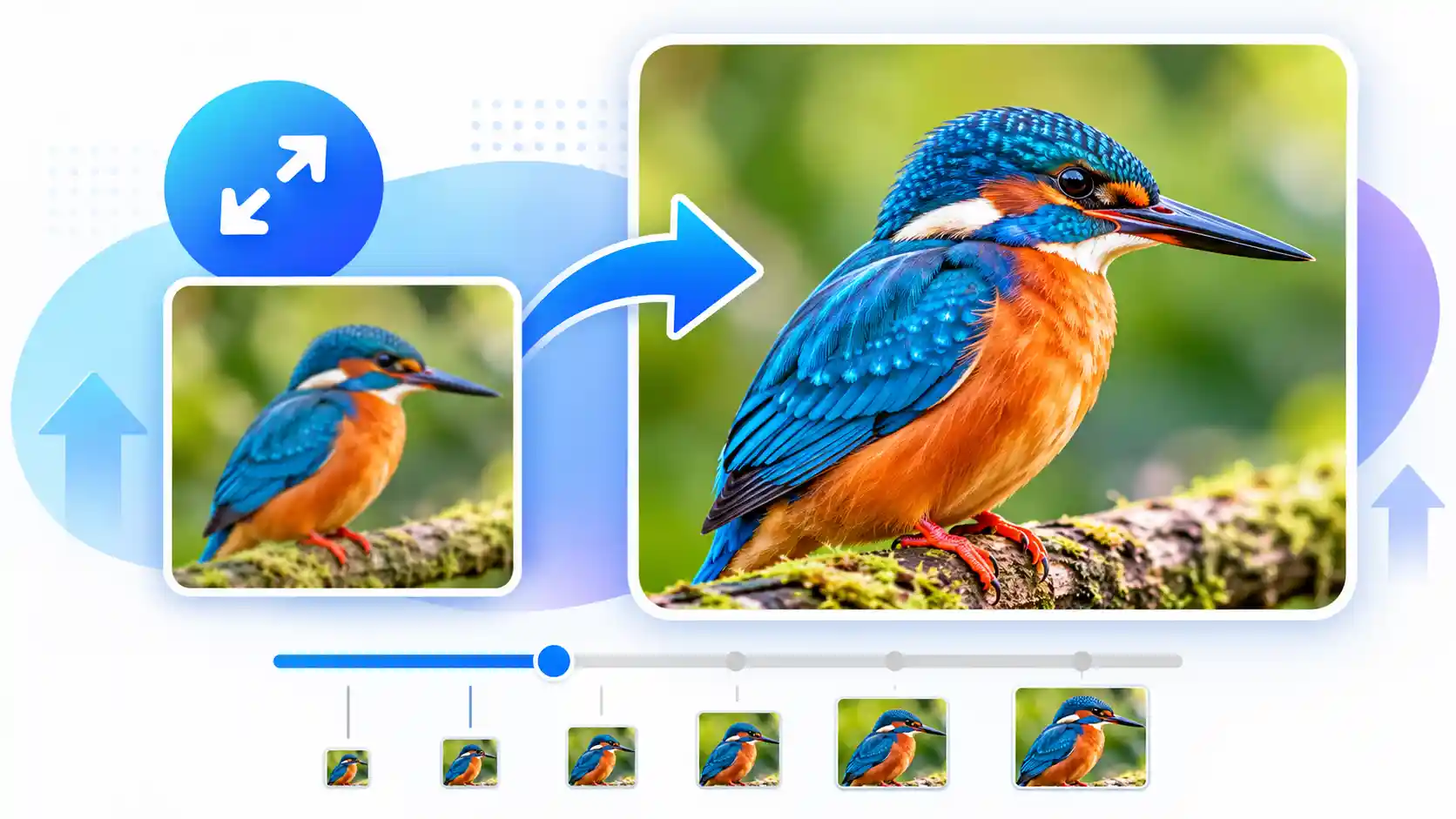
An Image Enlarger is a simple tool that helps you increase the width and height of an image without manually editing its dimensions. It can be useful when a picture looks too small for a particular design or when you need a larger version of an existing image.
This online image enlarger is designed to keep the process simple. Upload an image, select how much you want to enlarge it, choose an output format, and process the image directly in your browser. You can see the original dimensions and the expected new dimensions before starting the enlargement.
What Is an Image Enlarger?
An Image Enlarger is a browser-based image tool that increases the pixel dimensions of a picture. For example, a 1000 × 800 pixel image enlarged to 2× becomes 2000 × 1600 pixels. The original aspect ratio stays the same, so the image does not become unnecessarily stretched horizontally or vertically.
Enlarging an image does not automatically create new photographic detail that was never captured in the original file. The result depends on the original image, its dimensions, and the enlargement method used. For everyday website graphics, documents, thumbnails, presentations, and simple design work, increasing the dimensions can still be useful.
Image Enlarger Features
The tool focuses on the parts of image enlargement that most people actually need. You can check the original file information, change the enlargement scale, choose an output format, and preview the final image.
1× to 8× Scale
Select an enlargement scale from 1× up to 8× and see the expected image dimensions update while you move the slider.
Live Dimensions
Check the original and enlarged width and height before processing your image.
Browser Processing
Your image can be processed directly in the browser without requiring an image enlargement API or an external upload service.
Multiple Formats
Choose PNG, JPG, or WEBP depending on the type of image and the way you plan to use the enlarged file.
Quality Control
When supported by the selected output format, you can adjust the image quality before creating the final file.
Easy Download
Preview your enlarged image and download the processed file when you are happy with the result.
How to Enlarge an Image Online
You do not need complicated editing software for a simple enlargement. Follow these steps to create a larger version of your image.
Choose Your Image
Click the Choose Image button and select a JPG, PNG, WEBP, GIF, or another supported image from your device.
Select the Enlargement Scale
Move the Enlarge Scale slider to choose how much larger you want the image to become. The expected dimensions update automatically.
Choose the Output Format
Select PNG, JPG, or WEBP according to your needs. You can also adjust the quality when using a format that supports quality control.
Preview and Process
Click Enlarge Image to process the file. The enlarged dimensions and resulting file size will be shown after processing.
Download the Enlarged Image
Review the result and click the download button to save your enlarged image to your device.
Why Use an Image Enlarger?
Sometimes an image is perfectly usable but simply does not have enough dimensions for the place where you want to use it. A small picture may look fine on a phone but appear too small inside a website banner, presentation, document, or social media design.
An online image enlarger gives you a quick way to increase the image dimensions without opening a full desktop image editor. This can save time when you only need a straightforward size increase.
It can also be helpful when preparing graphics for different layouts. Instead of recreating an image from the beginning, you can create a larger version and then use it in your design workflow.
Common Uses for Enlarging Images
Website Images
A larger image can be useful when an existing graphic needs to fit a wider website section, content area, or design component.
Social Media Graphics
Social platforms use different image dimensions. Enlarging a picture can help when an existing file is smaller than the canvas required by a particular design.
Presentations
Small images can look uncomfortable when placed on a large presentation slide. A larger version may work better for certain layouts.
Personal Projects
You may also want to enlarge an old image, screenshot, illustration, or simple graphic for a personal project or document.
Start with the smallest scale that gives you the dimensions you need. Very large enlargement can make an image look softer because increasing the pixel dimensions does not automatically restore missing detail.
Image Enlarger vs. Image Upscaler
The terms Image Enlarger and Image Upscaler are sometimes used interchangeably, but they can describe different approaches.
A basic image enlarger changes the dimensions of an image using interpolation. An AI image upscaler may use a trained model to estimate additional visual details while increasing the resolution. The choice depends on the type of image you have and the result you want.
If you simply need a larger version of an image for a website or everyday project, a traditional image enlarger can be a convenient option. For images where preserving or reconstructing fine details is especially important, you may want to compare the result with a dedicated AI upscaling workflow.
Is It Safe to Enlarge Images Online?
Privacy is worth considering whenever you use an online image tool. This Image Enlarger is designed to process the selected image directly in your browser rather than requiring the file to be uploaded to a third-party image processing server.
Even with browser-based processing, you should always avoid uploading sensitive or confidential files to any online service unless you have checked how that particular service handles your data.
Related Image Tools
After enlarging an image, you may need to resize, compress, convert, or extract information from it. These related tools can help with common image tasks.
Frequently Asked Questions About Image Enlarger
What is an Image Enlarger?
An Image Enlarger is a tool that increases the pixel dimensions of an image. It creates a larger version while maintaining the original aspect ratio.
Can I enlarge an image online for free?
Yes. This Image Enlarger is designed to let you enlarge supported images directly in your browser without requiring a paid image editing application.
How much can I enlarge an image?
The tool provides enlargement scales from 1× to 8×. The practical limit depends on the original dimensions and the available memory of your browser and device.
Will enlarging an image improve its quality?
Enlarging increases the dimensions, but it cannot guarantee that new photographic detail will appear. Very large enlargement can make an image look softer, especially when the original file is small or low quality.
Can I enlarge JPG, PNG, and WEBP images?
Yes. The tool supports common image formats including JPG, PNG, WEBP, GIF, and BMP, depending on browser support.
Do I need to install software?
No. You can use the browser-based Image Enlarger without installing traditional desktop image editing software.
Does the Image Enlarger require an API?
No API is required for the browser-based version. The image can be processed locally using browser technology, which keeps the workflow simple and avoids depending on an external image processing API.
What should I do if the enlarged image looks blurry?
Try a smaller enlargement scale and start with the highest-quality original image available. If you need stronger detail reconstruction, an AI image upscaler may be more appropriate for your particular image.
Enlarge Your Image Online
When you only need a larger version of an existing picture, an Image Enlarger can make the process quick and straightforward. Upload your image, choose the scale, check the live dimensions, preview the result, and download the finished file when it looks right for your project.