GIF to WebP Converter
Convert GIF images to WebP online for free.
or click to choose an image file
JPG, JPEG, PNG, GIF, WebP, BMP, SVG and other supported images · Max 20MB
Original Image Preview
Higher quality usually creates a larger file.
The .webp extension is added automatically.
WebP Preview
GIF to WebP Converter
Need a different image format for your website or project? Use our GIF to WebP Converter to convert GIF images into WebP format online. Adjust the image quality, preview the result, and download your converted file.
What Is a GIF to WebP Converter?
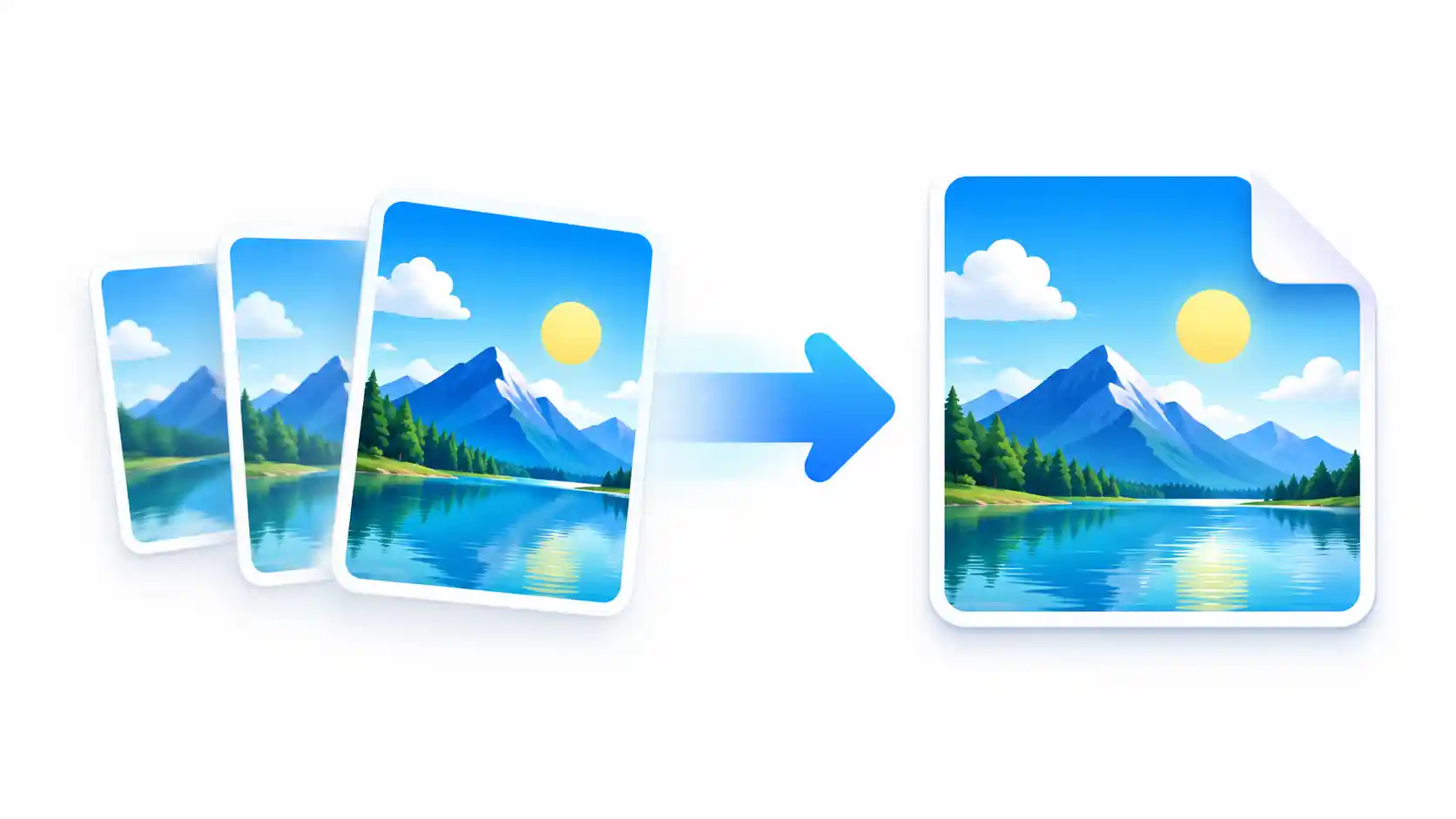
A GIF to WebP Converter is an online tool that changes an image from GIF format to WebP format. This can be helpful when you want to use images on a website, prepare graphics for a project, or organize images in a different format. Instead of installing desktop software, you can use a compatible browser-based converter to prepare your image.
GIF and WebP are both image formats, but they do not work in exactly the same way. GIF is widely known for simple animations. WebP supports lossy and lossless image compression and can also support animation. However, a conversion tool may produce a static WebP image rather than preserve every frame of an animated GIF. Check the output before using it.
Why Convert GIF to WebP?
The best image format depends on where and how you plan to use the image. WebP can provide a useful balance between image quality and file size, particularly for web graphics and photographs. The actual result depends on the original image, conversion settings, and the content of the image.
Potentially Smaller Files
WebP may reduce the file size of some images. A smaller file can make images easier to store and transfer, depending on the quality settings you choose.
Flexible Quality Settings
When the converter offers a quality control, you can compare different output settings and choose a result that suits your needs.
Useful for Websites
WebP is supported by modern web browsers and can be a useful choice for compatible website images and graphics.
Simple Online Workflow
A browser-based tool can help you convert an image without installing a separate image-editing application.
How to Use the GIF to WebP Converter
Converting an image should not require a complicated process. Follow these steps to prepare your file with the GIF to WebP Converter.
Upload Your GIF Image
Open the converter above and select a supported image from your device. If drag and drop is available, you can also drag your file into the upload area.
Review the Original Image
Check the image preview and original file information before converting. Make sure you have selected the correct file.
Adjust the Quality
If quality settings are available, try a suitable value. Higher quality may preserve more visual detail, while lower quality can reduce file size but may introduce visible compression.
Convert and Preview
Start the conversion and inspect the output. Compare its appearance with the original to check whether the quality is acceptable for your intended use.
Download the WebP File
Download the converted image and save it to your preferred folder. Open the downloaded file to confirm that it works as expected.
GIF vs. WebP: What Is the Difference?
GIF and WebP serve different needs. Before choosing a format, consider whether you need animation, transparency, image quality, or compatibility with a particular application.
| Feature | GIF | WebP |
|---|---|---|
| Image compression | Uses lossless compression with a limited color palette | Supports lossy and lossless compression |
| Animation | Supported | Supported by the format |
| Transparency | Supports basic transparency | Supports transparency |
| File size | Depends on image content and animation | May be smaller, depending on the image and settings |
| Common use | Simple animations and legacy graphics | Web images, graphics, and supported animations |
Can WebP Make Your Website Faster?
Image format is one part of website performance. Converting a large image to a smaller WebP file may reduce the amount of data a browser needs to download. This can help when the converted image is actually smaller than the original.
However, converting every image to WebP does not guarantee a faster website. The final result also depends on image dimensions, compression quality, caching, page layout, and other website resources. Check the converted file size and test your pages after making changes.
When Should You Convert GIF to WebP?
You may want to convert GIF images when preparing graphics for a website, organizing image assets, or testing whether WebP provides a smaller file for a particular design. It can also be useful when a project specifically requires WebP files.
If your GIF contains animation, consider your goal first. A static WebP image is suitable when you only need one frame. If you need the complete animation, use a converter that explicitly supports animated WebP output and verify the downloaded file.
Related Free Image Tools
Need to do more than convert an image? Explore these related ImageToResizer tools. Replace each sample link below with the exact URL of the corresponding published tool on your website.
Frequently Asked Questions
1. Is the GIF to WebP Converter free to use?
This depends on the tool's current settings and usage limits. If your ImageToResizer converter is available without payment, visitors can use it for free under the limits shown on the page.
2. Will converting GIF to WebP reduce the file size?
It may reduce the file size, but the result is not guaranteed. Compare the original and converted file sizes to see whether the conversion has saved space.
3. Will my animated GIF remain animated?
Not necessarily. Some converters export only one frame. To preserve animation, choose a converter that explicitly supports animated WebP and test the output.
4. Does WebP support transparent backgrounds?
Yes. WebP supports transparency. Whether transparency is preserved during conversion depends on the source image and how the converter handles the output.
5. Can I use WebP images on my website?
Modern web browsers support WebP. If you use a website platform, theme, or application with specific file restrictions, check that it accepts WebP uploads.
6. Does the converter upload my images to a server?
This depends on how the converter is implemented. If your version processes files entirely in the browser, the image does not need to be sent to a conversion server. Confirm the actual implementation and privacy information before making this claim on your website.
7. What should I do if the converted image looks different?
Try a higher quality setting if one is available. Check the original image dimensions and preview the result before downloading. Some changes can occur because of compression or differences in how the formats represent image data.
Convert Your GIF Image to WebP
Ready to prepare your image? Use the GIF to WebP Converter above, review the result, and download the file when it meets your needs.
Go to GIF to WebP Converter