GIF to JPG Converter
Convert GIF images to JPG online for free.
Conversion Result
Original Image
Converted JPG
Free to use · No API required · Files stay in your browser
GIF to JPG Converter Online
Our GIF to JPG Converter makes it easy to turn a GIF image into a JPG file directly in your browser. Upload a supported GIF, choose your preferred JPG quality, preview the converted image, and download the result when it is ready.
Whether you need a still image for a document, website, presentation, or photo collection, converting GIF to JPG can help you use your image in a format that suits your needs.
What Is a GIF to JPG Converter?
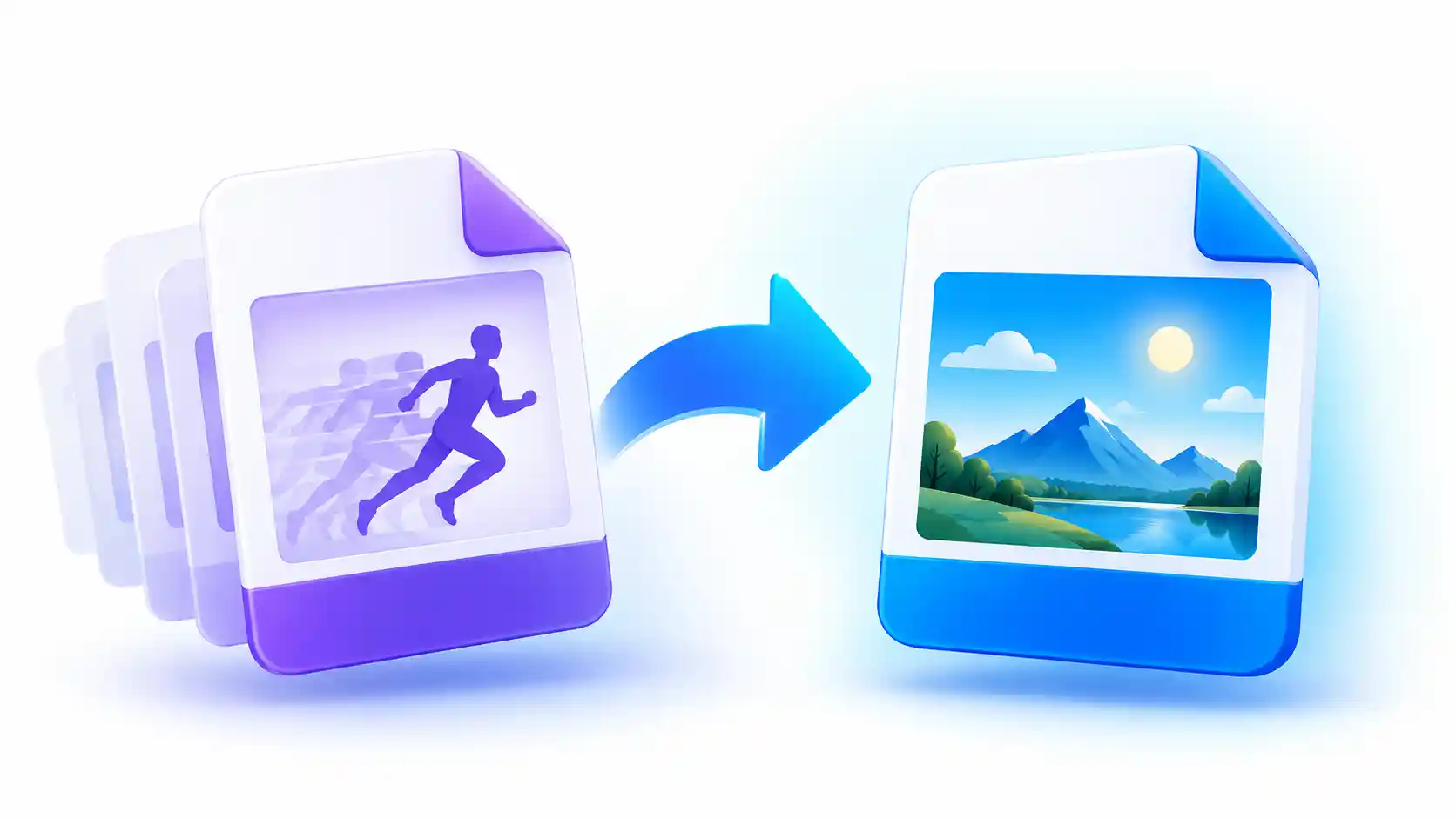
A GIF to JPG Converter is an image conversion tool that changes a GIF image into the JPEG format. Both GIF and JPG are widely used image formats, but they work differently. GIF supports simple animation and a limited color palette, while JPG is designed for photographic images and offers adjustable compression.
When you convert a GIF to JPG, the output is a still image rather than an animated file. If the original GIF contains animation, this converter creates a JPG from the still frame displayed by your browser. It does not turn every animation frame into a separate JPG file.
This tool is useful when you need a regular image instead of an animated GIF. You can also adjust the JPG quality to find a balance between image appearance and file size.
Why Convert GIF to JPG?
GIF is useful for simple animations and graphics, but it is not always the most suitable format for photographs or everyday image sharing. JPG is commonly supported by image viewers, office applications, content management systems, and many websites.
Easy Image Sharing
A JPG image is convenient for sharing as a regular still picture in many common workflows.
Adjustable Quality
Choose the JPG quality setting to control the balance between visual detail and compressed file size.
Useful for Documents
A still JPG image can be added to many reports, presentations, and other documents.
Simple Workflow
Upload an image, convert it, check the preview, and download the JPG without installing desktop software.
How to Use the GIF to JPG Converter
You do not need advanced image editing skills to convert a GIF image. Follow these steps to create your JPG file.
- Upload your GIF: Select a supported GIF file from your device or drag it into the upload area.
- Choose JPG quality: Adjust the quality slider. A higher setting usually preserves more image detail but may create a larger file.
- Start the conversion: Click the Convert to JPG button to process the image.
- Preview the result: Check the original image and the converted JPG before downloading.
- Download your JPG: Click Download JPG and save the converted image to your device.
Understanding JPG Image Quality
JPG uses lossy compression, which means some image information may be discarded when the image is saved. The quality slider helps you decide how much compression to apply to the output image.
When to Choose Higher Quality
Choose a higher quality setting when preserving visible details is important. This can be useful for photos, detailed illustrations, and images that will be displayed at a larger size. Remember that the resulting file may be larger.
When to Choose Lower Quality
A lower quality setting can reduce the output file size. This may help when you need a smaller image for sharing or storage. However, using too much compression can introduce visible artifacts, so check the preview before downloading.
There is no single quality setting that is best for every image. The ideal choice depends on the image itself and how you plan to use it.
Does Converting GIF to JPG Keep Animation?
No. JPG is a still-image format and does not preserve GIF animation. If you upload an animated GIF, this converter creates one JPG image from the frame rendered by your browser. The original animation will not be included in the downloaded JPG.
If you need to keep the animation, retain the original GIF or use an animated image format that suits your project. Converting to JPG is appropriate when you only need a single still image.
Does GIF to JPG Conversion Reduce File Size?
It can, but the result depends on the original GIF, its dimensions, its color information, and your selected JPG quality. Some images become smaller after conversion, while others may become larger. The output size is not guaranteed to be lower in every case.
Compare the original and converted file sizes after processing. If the resulting JPG is too large, try lowering the quality slightly. If image detail is more important, use a higher setting.
Is This GIF to JPG Converter Free?
The converter is designed for free use without requiring an API key. In the browser-based implementation, supported image files are processed locally instead of being uploaded to a conversion server. This can help limit the sharing of your image data with external services during conversion.
Processing support depends on the browser and the image format. The tool accepts supported image types, but not every file format can be decoded by every browser. The current converter also has a maximum upload size of 20MB per file.
GIF to JPG vs. Other Image Formats
Choosing the right image format depends on what you need the image to do. JPG is often useful for photographs and still images. PNG is suitable when lossless image storage or transparent backgrounds are important. WebP can provide efficient compression for supported web workflows, while GIF remains useful for simple animations.
Remember that saving a transparent image as JPG removes its transparency. Transparent areas are filled with a background color, which is white in this converter. For images that need transparency, consider using PNG instead.
Related Free Image Tools
Need to do more with your images? Explore these related tools on ImageToResizer to prepare images for different tasks.
Frequently Asked Questions
1. How do I convert GIF to JPG online?
Upload a supported GIF image, choose your preferred JPG quality, click Convert to JPG, preview the result, and download the file.
2. Can I convert an animated GIF to JPG?
Yes, but the output is a still image. Animation is not preserved, and the converter does not export every animation frame separately.
3. Will my GIF image become smaller after conversion?
Not always. JPG compression may reduce or increase the file size, depending on the original image and the selected quality setting.
4. Is an API required to convert GIF to JPG?
No API is required for supported formats when the conversion is performed using browser-based image processing.
5. Are my uploaded images sent to a server?
In this browser-based implementation, supported images are processed locally. The conversion code does not intentionally upload the selected file to a conversion server.
6. Can I convert PNG or WebP to JPG with this tool?
The file picker may accept other image formats supported by the browser, including PNG and WebP. The converter can process them when the browser successfully decodes the selected file.
7. Why does a JPG image have a white background?
JPG does not support transparent pixels. Transparent areas from the source image are filled with white during conversion.
8. Is there a file size limit?
Yes. The current tool accepts files up to 20MB. Very large image dimensions can also require more browser memory during processing.