GIF Compressor
Compress GIF images online for free.
GIF Compressor Online Free – Reduce GIF File Size
GIF Compressor is a simple way to reduce GIF file size without installing complicated software. If a GIF is too large to upload, share, or use on a website, compressing it can make the file easier to handle. You can upload your GIF, choose the compression settings, and download the processed file in just a few steps.
GIF files are useful for short animations, simple graphics, reactions, tutorials, and website content. The problem is that some GIF files can become quite large. A smaller GIF can be easier to upload, download, store, and share.
What Is a GIF Compressor?
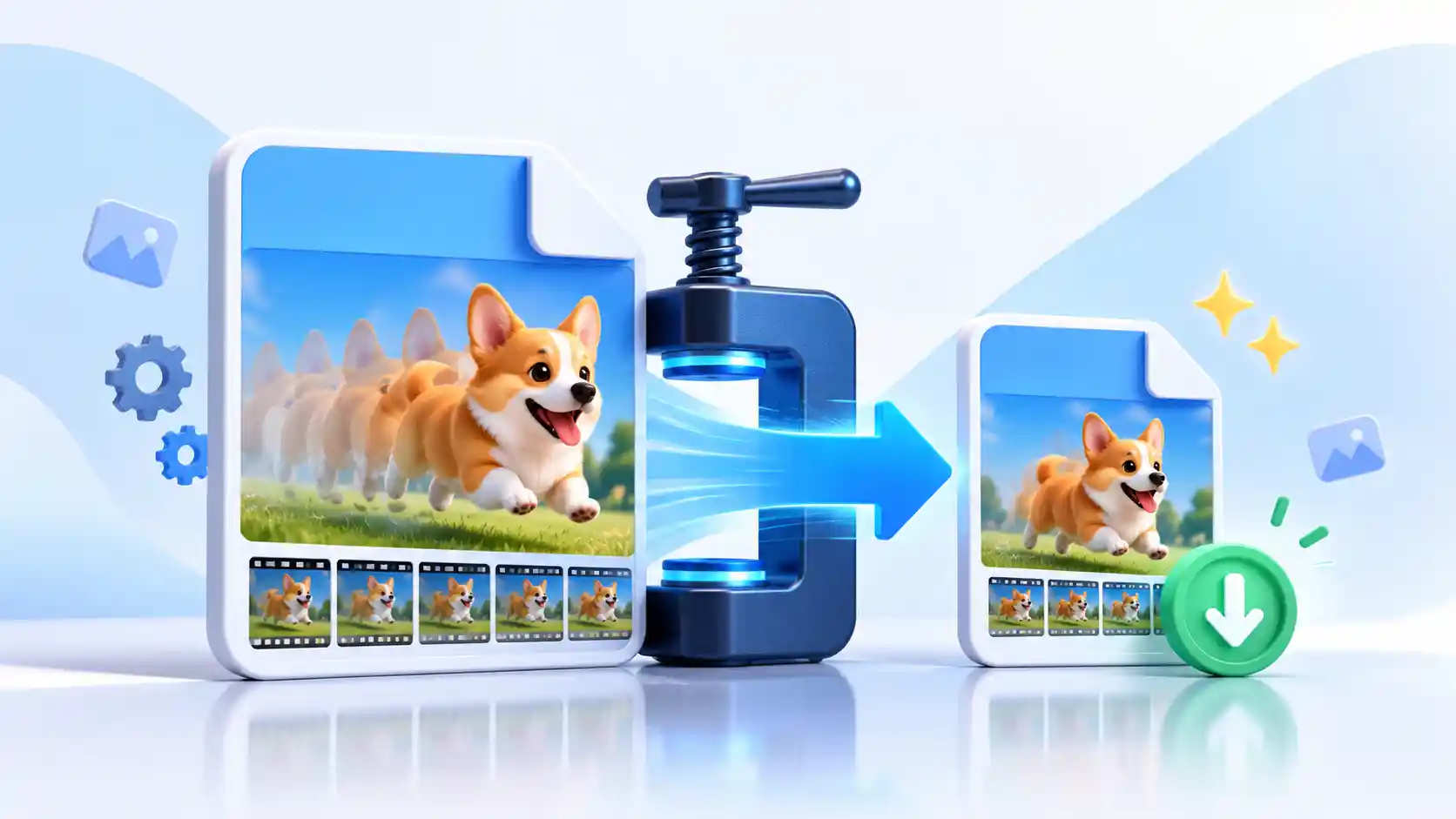
A GIF Compressor is an online tool that helps reduce the file size of a GIF image. Depending on the compression method, the resulting file may use fewer colors, smaller dimensions, or optimized image data to reduce its overall size.
This can be useful when a GIF is taking too long to upload or when you need a smaller file for a website, blog post, email, messaging app, or online project. Instead of opening a desktop image editor, you can use a browser-based GIF compressor online tool and download the result when processing is finished.
Why Compress GIF Images?
Large GIF files are not always convenient. They can take longer to upload and download, use more storage space, and may be harder to share through platforms that have file size limits.
Compressing a GIF can help make the file more manageable. For website owners, reducing unnecessary image size can also help keep pages lighter. The amount of reduction you get depends on the original GIF, its dimensions, colors, and the compression settings you choose.
Smaller File Size
Reduce the size of large GIF files so they are easier to store, upload, and share.
Quick Browser Processing
Compress your GIF directly from a web browser without installing desktop software.
Compression Control
Choose a suitable compression level based on the file size and quality you need.
Easy Download
Check the result and download the compressed GIF when processing is complete.
How to Compress GIF Online
You do not need advanced image editing skills to compress GIF online. The process is designed to be simple for everyday users.
Upload Your GIF
Select the GIF file from your computer, phone, or tablet. You can also use the drag-and-drop upload area when available.
Choose Compression Settings
Select the compression level that matches your needs. Stronger compression can produce a smaller file, while lighter compression may preserve more visual detail.
Compress the GIF
Click the compression button and let the browser process the image. Processing time can depend on the GIF's dimensions and file size.
Download the Smaller GIF
After compression is complete, check the original and new file sizes, then download the compressed GIF to your device.
How to Reduce GIF File Size Without Making It Too Large
When you want to reduce GIF file size, there is usually a balance between file size and visual quality. Increasing compression may make the file smaller, but aggressive settings can also affect the appearance of the image.
Start with a moderate compression setting and check the result. If the new file is still too large, try a stronger setting or reduce the image dimensions. This approach gives you more control than simply choosing the strongest compression every time.
Choose a Smaller Dimension
If the GIF is much larger than the size you actually need, reducing its width and height can make a noticeable difference. For example, a GIF intended for a small website element does not necessarily need to remain at a very large resolution.
Use a Suitable Compression Level
A higher compression level may reduce the file size more, but the visual result can change. If image quality is important, use a moderate setting and compare the output before downloading it.
Check the Result Before Sharing
Always preview the compressed GIF when possible. Look for noticeable changes in sharpness, colors, or other details. The best result is usually the smallest file that still looks good for its intended use.
When Should You Use a GIF Compressor?
A GIF compressor can be useful in many everyday situations. You may have created a GIF that looks fine but is larger than expected. Compressing it can make the file easier to work with without requiring a full image editing program.
- When a GIF is too large to upload
- When you want to save storage space
- When a website needs a smaller GIF
- When you need to share a GIF more easily
- When you want to reduce an image before sending it
- When you do not want to install image editing software
Is GIF Compression Done in Your Browser?
This GIF Compressor is designed for browser-based processing. The selected GIF can be processed on your device rather than being sent to an image compression API. This makes the workflow convenient when you want to compress an image without using a separate desktop application.
Your original GIF remains on your device while the tool creates the compressed result for download. Always check the tool's current behavior and privacy information before processing sensitive files.
GIF Compressor FAQ
What is a GIF Compressor?
A GIF Compressor is a tool that reduces the file size of a GIF. It can make a large GIF easier to upload, download, store, and share.
Can I compress a GIF online for free?
Yes. You can use a free GIF Compressor online without installing traditional image editing software.
How do I compress a GIF file?
Upload your GIF, choose a suitable compression level, start the compression process, and download the resulting file when it is ready.
Will GIF compression reduce image quality?
It can. The result depends on the compression settings, the original GIF, and how much the file is optimized. Stronger compression may produce a smaller file but can also change visual quality.
Can I reduce the dimensions of a GIF?
Yes, reducing the width and height of a GIF can help reduce its overall file size. It is useful when the original dimensions are larger than necessary.
Is a smaller GIF always better?
Not necessarily. A very small file may have more noticeable quality changes. The best choice is a balance between file size and the visual result you need.
Can I use a GIF Compressor on my phone?
Yes. A browser-based GIF compressor can be used on supported smartphones and tablets as well as desktop computers.
Why is my compressed GIF sometimes larger?
Re-encoding does not guarantee a smaller file every time. Some GIFs are already highly optimized, so a new encoding can occasionally produce a file that is similar in size or even larger. Trying a different compression level or reducing the dimensions may help.
Compress GIF Images Online Easily
A large GIF does not always need complicated desktop software. With a simple GIF Compressor, you can reduce GIF file size, check the result, and download a smaller version for your project.
For the best result, avoid using stronger compression than necessary. Start with a reasonable setting, compare the original and compressed file, and choose the version that gives you the right balance between size and quality.
If you regularly work with images, you can also use our related image tools to resize, compress, crop, or convert your files as needed.