Compress Your Image
Reduce image file size while maintaining good image quality.
Upload an Image
Drag & drop your image here or browse files
Maximum file size: 20MBYour Image
Ready to compressCompression Level
Adjust the quality and file size.
Your Image Is Ready!
Your image has been successfully compressed.
An Image Compressor is a simple online tool that reduces the file size of an image without necessarily changing its dimensions. If you have a large JPG, PNG, or WebP file, compressing it can make it easier to upload, share, store, and use on a website.
A large image file takes up more storage and takes longer to upload or transfer. This gives you a way to shrink that file by adjusting the compression level to match what you actually need.
Upload an image, choose a compression quality, compare the original and new file sizes, and download the result — no complicated editing software required.
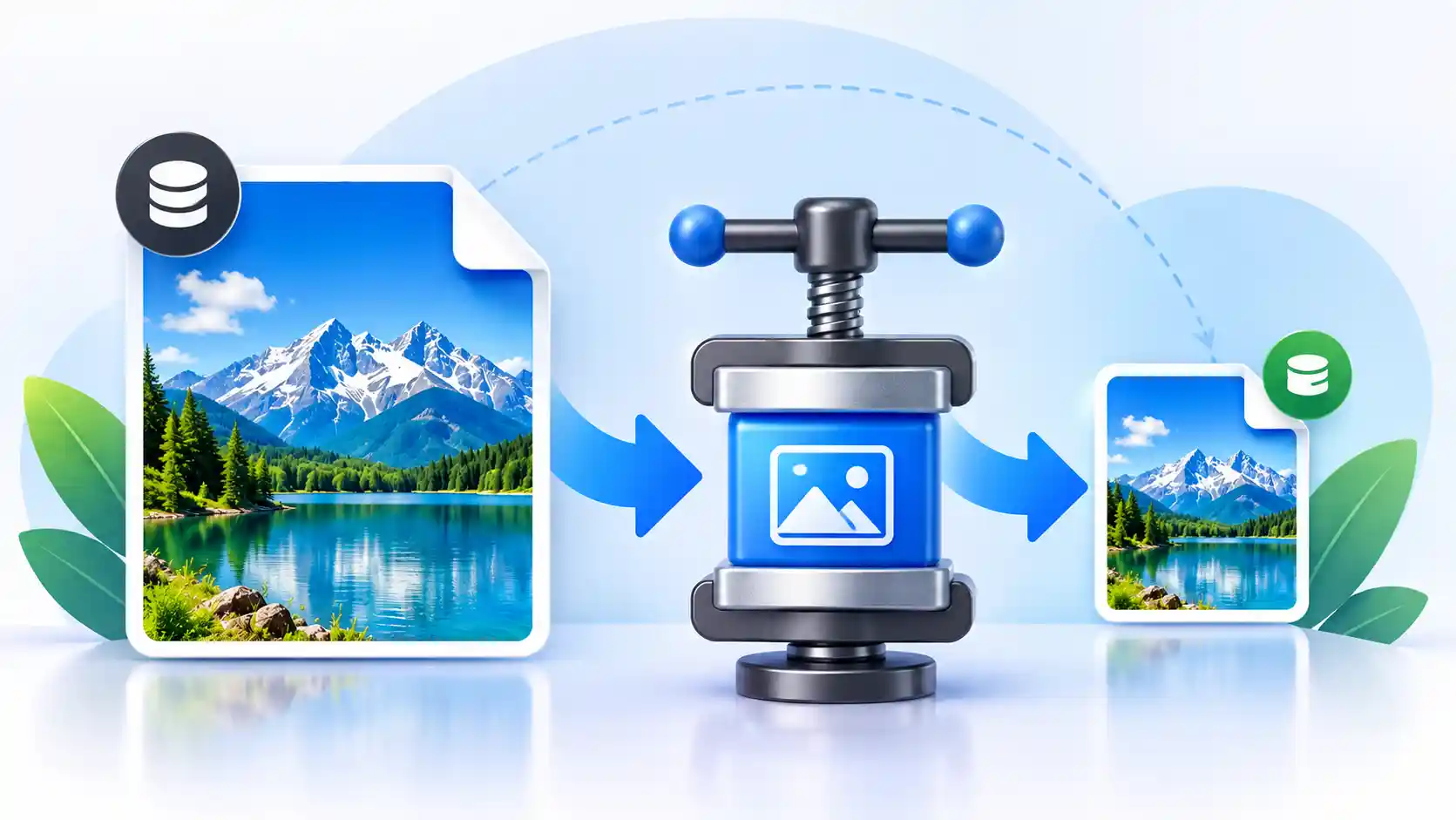
- Compress JPG, JPEG, PNG, and WebP images
- Reduce image file size online
- Choose a suitable compression quality
- Compare original and compressed file sizes
- Maximum upload size: 20MB
- Works on desktop, tablet, and mobile devices
What Is an Image Compressor?
It's an online tool designed to reduce the file size of an image. If a photo is several megabytes, compressing it creates a smaller version that's easier to upload, share, or store.
This is useful whenever storage or upload limits matter — website owners compressing images before adding them to a page is one of the most common cases.
How much smaller the file gets depends on the original image, its format, and the quality level you choose. Higher compression produces a smaller file; lower compression preserves more visual detail.
How to Compress an Image Online
A few simple steps, no photo-editing experience required.
1Upload Your Image
Select an image from your computer, phone, or tablet, or drag and drop it into the upload area.
2Select the Compression Level
A stronger setting reduces file size further; a higher-quality setting keeps more detail.
3Click Compress Image
The tool processes the image using your selected settings.
4Check the Result
Compare the original and compressed file sizes, and the percentage reduction.
5Download
If the result looks good, download the smaller file to your device.
Free Online Image Compressor
This free Image Compressor works without installing separate desktop software. It suits anyone who needs a smaller image for a website, email, online form, social platform, or personal storage.
Instead of opening a full photo editor, you upload the image and pick a compression level. It's built for everyday use, not for people who already know their way around Photoshop.
Website owners, bloggers, students, designers, and photographers all end up needing the same basic thing: a file that's smaller without being noticeably worse.
Why Compress an Image at All?
Large image files aren't always necessary, especially for something being shared or displayed online rather than printed.
- Smaller file size: the most direct benefit.
- Easier sharing: smaller files upload and send faster.
- Less storage used: matters at scale, across many images.
- Faster-loading websites: smaller images mean quicker page loads.
- Lower data usage: useful for visitors on mobile connections.
Features of This Image Compressor
Simple to Use
Upload, pick a quality level, and compress — no learning curve.
Adjustable Quality
Balance file size against visual quality with a single slider.
Before/After Comparison
See the original and compressed file sizes side by side before downloading.
JPG, PNG, and WebP Support
Covers the formats most commonly used for photos and web graphics.
No Installation
Works directly in your browser — nothing to download or set up.
Works on Mobile
The interface is responsive across phones, tablets, and desktops.
Up to 20MB per Image
Handles files large enough for most cameras and phones.
No Account Required
Upload, compress, and download without signing up.
Supported Image Formats
Each format behaves a little differently under compression, so the right choice depends on what the image is for.
JPG / JPEG
Best for photographs — compresses well with minimal visible loss at moderate settings.
PNG
Best for graphics, screenshots, and images needing transparency; compresses less aggressively than JPG.
WebP
Often produces a smaller file than JPG at a similar visual quality.
Compressing Images for a Website
A photo straight from a camera often carries far more data than a webpage actually needs. Compressing it first — separately from resizing its dimensions — keeps the file size under control.
Compression is only one part of image optimization. The right dimensions and file format matter too, alongside compression level.
Compression and Image Quality
Results vary with the original image, its format, dimensions, and the compression level chosen. Stronger compression shrinks the file further, but past a certain point introduces visible softness or blocky artifacts, especially around sharp edges and fine detail.
It's worth comparing the compressed image against the original before downloading — aim for the smallest file size that still looks acceptable for your use case.
Who Can Use This?
- Website owners who need smaller images for pages.
- Bloggers who regularly upload photos and graphics.
- Students submitting image files with size limits.
- Designers sharing smaller copies of graphics.
- Photographers preparing convenient web-friendly copies.
- Anyone who just needs a smaller file before sharing it.
Image Compressor vs. Image Resizer
An Image Compressor and an image resizer solve different problems. Compression targets file size; resizing changes pixel dimensions, such as width and height.
If your image is physically too large for a platform's dimension limits, resize it. If the dimensions are already fine but the file itself is too heavy, compress it instead.
Sometimes you need both — resize first, then compress the result. Use our Image Resizer when the dimensions themselves need to change.
Maximum Upload Size
This tool accepts files up to 20MB per image. If your file is larger, you may need to create a smaller copy or reduce its dimensions first.
Related Image Tools
Tools people commonly use alongside compression.
Frequently Asked Questions
It's a tool that reduces the file size of an image while trying to maintain acceptable visual quality.
Yes, reducing file size for supported images doesn't require installing separate software.
Yes — upload a file, choose the compression level, and download the result directly from your browser.
It can, depending on how aggressive the setting is. Stronger compression means a smaller file but potentially more visible detail loss. A moderate setting usually keeps a good balance.
JPG, JPEG, PNG, and WebP.
20MB per image.
No — it runs in your browser, no separate app or plugin needed.
Yes, the interface works on phones and tablets as well as desktop browsers.
Once processing finishes, review the compressed file and click Download to save it to your device.
Smaller image files load faster and use less bandwidth, which generally improves page load speed for visitors.
Yes, as long as it's in a supported format and doesn't exceed the 20MB limit.
Final Thoughts
Whether you're preparing images for a website, sending files online, saving storage space, or sharing photos, compression makes a large file easier to manage without changing what it's for.
Aim for the smallest file size that still looks acceptable for your use case, and always check the result before relying on it.
Compress Your Image Online
Ready to reduce your image file size? Use this free Image Compressor to upload an image, choose your compression level, and download the compressed file.