PNG to JPG Converter
Upload your PNG image and convert it to JPG instantly.
Drag & drop your PNG file here
Conversion Complete!
Your PNG image has been converted successfully.
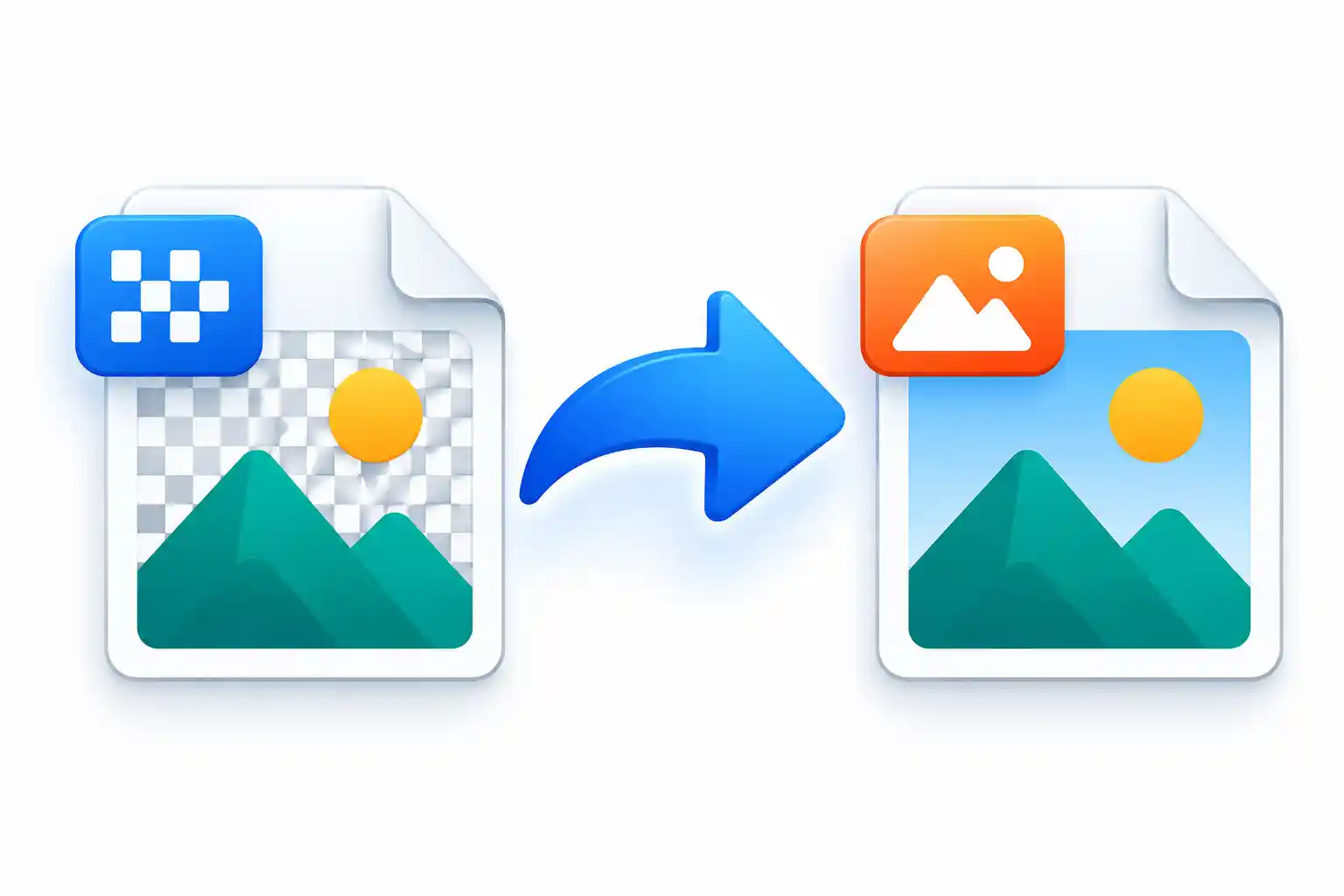
PNG to JPG Converter is a simple way to turn a PNG image into a JPG file without using complicated image editing software. PNG and JPG are two popular image formats, but they are commonly used for different purposes.
PNG is often useful for logos, screenshots, graphics, illustrations, and images that need a transparent background. JPG, on the other hand, is widely used for photographs and other images where a smaller file size can be helpful.
With our PNG to JPG Converter, you can upload a PNG image, preview it, adjust the JPG quality, choose a background color when necessary, and download the converted JPG file. The process is designed to be simple for beginners while still giving you useful control over the final image.
How to Use the PNG to JPG Converter
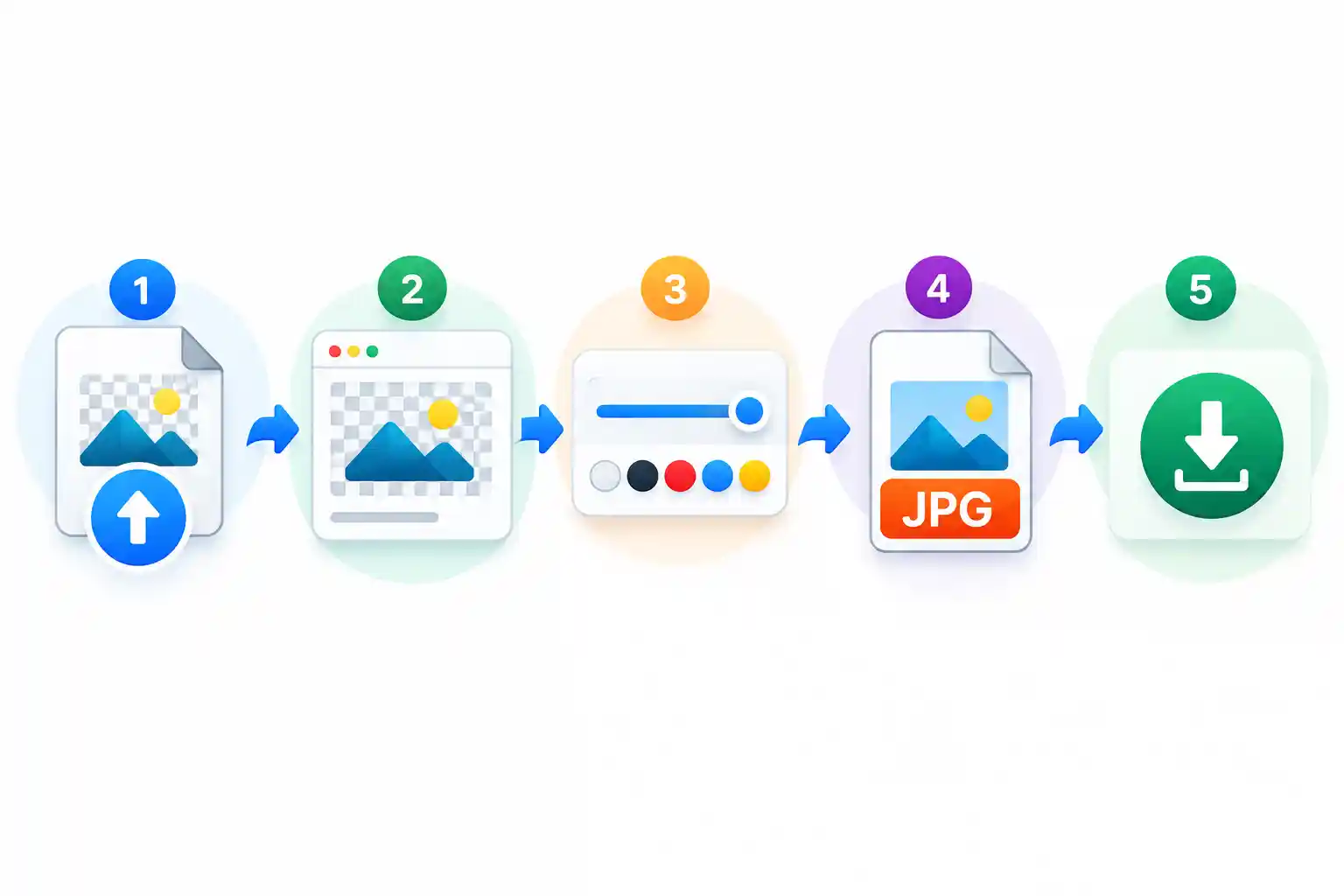
Using the PNG to JPG Converter is straightforward. You can convert your image in a few simple steps without learning complicated image editing software.
- Upload the PNG image you want to convert.
- Check the image preview after uploading.
- Adjust the JPG quality if needed.
- Choose a background color if the PNG contains transparent areas.
- Click the Convert to JPG button.
- Wait for the conversion to finish.
- Download your converted JPG image.
If your device supports drag and drop, you can also drag your PNG file directly into the upload area. This can make the process even quicker.
Why Convert PNG to JPG?
PNG is a useful format when image details and transparency are important. However, PNG files can sometimes be larger than JPG files. JPG uses lossy compression, which can reduce file size while maintaining useful visual quality for many everyday images.
Converting PNG to JPG can be helpful when you need a JPG version of an image for a website, online form, email attachment, social media post, document, or personal project.
The best format depends on how you plan to use your image. A transparent logo may be better kept as PNG, while a photograph may be more convenient as JPG.
Features of Our PNG to JPG Converter
Our converter includes practical features that make image conversion easier. You do not need advanced image editing experience to use the tool.
Simple PNG Upload
Upload a PNG image directly from your device. You can also drag and drop your file into the upload area when supported.
Image Preview
Preview your selected image before converting it. This helps you confirm that you have selected the correct PNG file.
JPG Quality Control
Adjust the JPG quality before conversion. A higher setting can preserve more detail, while a lower setting can help reduce the final file size.
Background Color Selection
PNG can contain transparent areas, but JPG cannot. Choose a background color for transparent parts before creating your JPG image.
File Size Information
Check the original PNG file size and compare it with the converted JPG file size. This helps you understand how the conversion affects the file.
Quick Conversion
The simple interface lets you upload your image, choose your settings, convert the file, and download the result without unnecessary steps.
Easy JPG Download
After conversion, download the JPG image directly to your device and use it wherever JPG files are accepted.
Works on Different Devices
You can use the converter on desktop computers, laptops, tablets, and smartphones with a modern web browser.
Free Online PNG to JPG Converter
Our free online PNG to JPG Converter provides an easy way to change PNG images into JPG format without installing separate image editing software.
The tool can be useful when you need a JPG version of an image for a website, online form, email, social media post, document, or personal project.
The conversion process is simple enough for beginners while still providing useful options such as JPG quality and background color selection.
PNG vs JPG: What Is the Difference?
PNG and JPG are both popular image formats, but they have different characteristics. Understanding the difference can help you choose the right format for your needs.
PNG is commonly used for logos, screenshots, illustrations, graphics, and images that require transparency. It can preserve image details well, but some PNG files may be relatively large.
JPG is commonly used for photographs and other images where a smaller file size is useful. JPG uses lossy compression, so the final image quality depends partly on the selected quality level.
What Happens to Transparent PNG Areas?
One important thing to remember when converting PNG to JPG is that JPG does not support transparency. If your original PNG has transparent sections, those areas cannot remain transparent in the JPG file.
Instead, transparent areas need to be filled with a background color. This is especially important when converting logos, icons, graphics, or other PNG images that use transparency.
When Should You Convert PNG to JPG?
There are many everyday situations where converting PNG to JPG can be useful. Some websites and online services specifically request JPG or JPEG files.
- When a website only accepts JPG or JPEG images.
- When you need a JPG version of a PNG image.
- When preparing an image for an online form.
- When you need a JPG image for an email attachment.
- When uploading an image to a platform that prefers JPG.
- When you want to control JPG quality and file size.
- When a transparent PNG needs a solid background.
Supported Formats
The converter is focused on PNG to JPG image conversion.
- Input Format: PNG (.png)
- Output Format: JPG (.jpg)
- Alternative Extension: JPEG (.jpeg)
After conversion, the resulting JPG image can be used with many common websites, applications, devices, and online services that support the JPG format.
How to Choose the Right JPG Quality
JPG quality affects both the appearance of the image and its final file size. A higher quality setting can preserve more visual detail, but it may also create a larger file.
A lower quality setting can produce a smaller file, which can be useful when file size is important. However, using a very low quality setting may create visible compression artifacts.
For most everyday images, a balanced quality setting is a practical starting point. You can adjust the quality depending on whether your main priority is image appearance, file size, or a balance between the two.
Is PNG or JPG Better?
There is no single image format that is best for every situation. PNG can be useful when transparency or detailed graphics are important, while JPG is often convenient for photographs and situations where a smaller file size is preferred.
Think about how you will use the image before choosing the format. If you need transparency, keeping the image as PNG may be appropriate. If you need a JPG file for a website, form, email, or another service, converting the image to JPG may be more suitable.
Frequently Asked Questions
What is a PNG to JPG Converter?
A PNG to JPG Converter is an online tool that changes a PNG image into JPG format. It creates a new JPG version of the original image so you can use it wherever JPG or JPEG files are accepted.
Is this PNG to JPG Converter free?
Yes. You can use the PNG to JPG Converter to convert PNG images to JPG without paying for the basic conversion process.
Do I need to install software?
No. You can use the converter directly from a modern web browser without installing a separate image editing program.
Can I control the JPG quality?
Yes. You can adjust the JPG quality before converting your PNG image. The right setting depends on whether you want to prioritize image quality, file size, or a balance between both.
Why does my PNG background change after converting to JPG?
PNG supports transparent areas, while JPG does not. Transparent parts of a PNG therefore need to be replaced with a background color when the image is converted to JPG.
Can I check the file size after conversion?
Yes. The tool can show the original PNG file size and the converted JPG file size so you can compare the result.
Can I use the PNG to JPG Converter on my phone?
Yes. The converter can be used on smartphones, tablets, laptops, and desktop computers with a modern web browser.
Is PNG to JPG conversion difficult?
No. Upload your PNG image, check the preview, adjust the available settings if needed, click the conversion button, and download your JPG image when it is ready.
Convert PNG to JPG Online
Converting a PNG image to JPG can be useful when you need a widely supported image format, a different compression method, or a JPG file for a specific website or application.
With our PNG to JPG Converter, you can complete the process in a few simple steps. Upload your PNG image, choose the settings that suit your needs, convert the file, and download your JPG image.
If you regularly work with images, you can also explore our other image tools for resizing, compressing, and converting different image formats.