PNG to WebP Converter – Convert PNG Images to WebP Free Online
PNG to WebP Converter is a simple way to convert PNG images into WebP format online. PNG is useful for logos, screenshots, graphics, and transparent images, but some PNG files can be larger than needed.
WebP is a modern image format that can provide good visual quality with efficient compression. When you convert PNG to WebP, the resulting image may use less storage space, depending on the original image and the quality setting you choose.
Our converter keeps the process simple. Upload your PNG image, choose the quality you need, convert the file, preview the result, and download the WebP image.
How to Convert PNG to WebP Online
You can convert PNG to WebP online in a few easy steps. The process is designed to be simple, even if you have never used an image converter before.
Upload Your PNG
Select a PNG image from your device and upload it to the converter.
Choose WebP Quality
Select the quality level you want. A higher setting can preserve more detail, while a lower setting may create a smaller file.
Convert the Image
Click the Convert to WebP button and let the tool create the new image.
Download WebP
Preview the converted image and download the WebP file to your device.
PNG to WebP Converter Features
Easy PNG Upload
Upload your PNG images through a simple and easy-to-use interface.
Multiple Images
Upload multiple images in one session when batch conversion is supported.
Quality Control
Choose the WebP quality that works best for your image and project.
Image Preview
Check your image before conversion and preview the result afterward.
File Size Comparison
Compare the original PNG size with the converted WebP file size.
Easy File Removal
Remove an incorrectly selected image before starting the conversion.
Simple Download
Download your converted WebP image directly after processing.
No Desktop Software
Convert your image through your browser without installing an image editor.
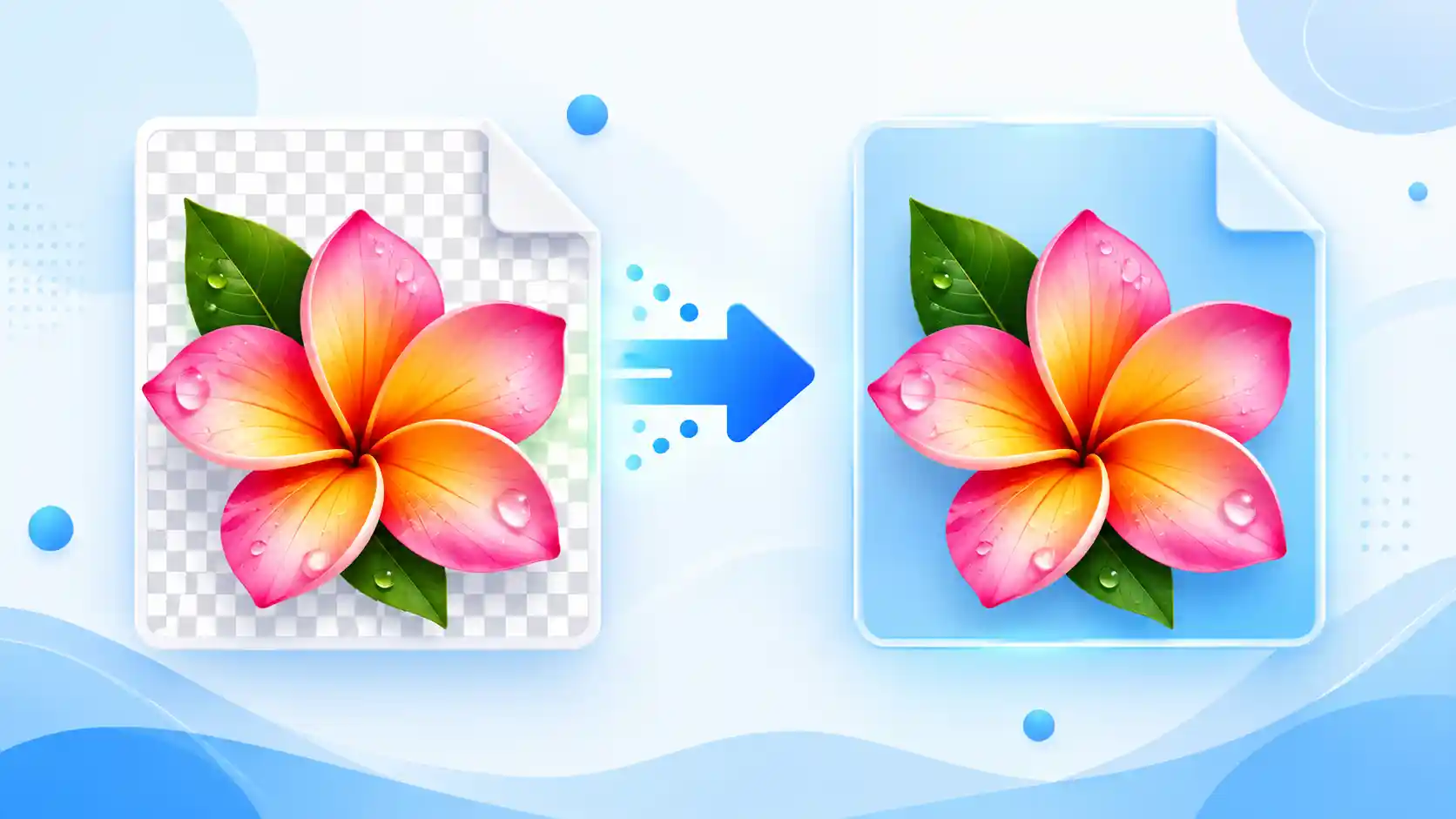
Free Online PNG to WebP Converter
Our free PNG to WebP converter is useful when you need to change image formats without installing additional software. You can use it for website images, blog graphics, online stores, portfolios, presentations, and other digital projects.
Converting PNG images to WebP can sometimes reduce file size while maintaining useful visual quality. However, the final size is not the same for every image because it depends on the original file and selected quality level.
The tool is designed for beginners as well as users who regularly work with images. The basic process remains simple: upload, adjust the quality, convert, preview, and download.
Why Convert PNG to WebP?
There are several practical reasons to convert PNG images to WebP, especially when preparing images for websites.
- WebP can produce smaller image files for many types of images.
- Smaller files can be easier to upload and share.
- WebP is designed for modern web use.
- WebP supports transparent images.
- You can control the quality of the converted image.
Keep in mind that conversion does not guarantee a smaller file every time. The final result depends on the source image and the selected settings.
Supported Image Formats
Depending on the features available in the converter and your browser, several common image formats can be processed for WebP conversion.
| Format | Common Use |
|---|---|
| PNG | Logos, screenshots, graphics, and transparent images |
| JPG / JPEG | Photos and general digital images |
| GIF | Simple graphics and supported GIF images |
| BMP | Bitmap images |
| AVIF | Modern compressed web images |
| ICO | Favicons and application icons |
| SVG | Logos, icons, and vector graphics |
| WebP | Converted output format |
Related Image Tools
Need to do more with your images? Try these related tools for resizing, compressing, cropping, and converting images.
Frequently Asked Questions
What is a PNG to WebP Converter?
A PNG to WebP Converter changes an image from PNG format into WebP format. The converted file can then be downloaded and used in different digital projects.
Is this PNG to WebP Converter free?
Yes. The tool is designed to provide a simple way to convert compatible images without requiring complicated desktop software.
How do I convert PNG to WebP?
Upload your PNG image, choose the quality level, click Convert to WebP, and download the resulting file.
Can I convert PNG to WebP online?
Yes. You can convert PNG images to WebP directly through a compatible web browser.
Can I choose WebP quality?
Yes. The quality setting lets you choose a suitable balance between image detail and file size.
Will PNG to WebP reduce file size?
It can. WebP may produce a smaller file than PNG, but the result depends on the image and quality setting.
Does WebP support transparency?
Yes. WebP supports transparency, so transparent areas in compatible PNG images can generally be preserved.
Do I need to install software?
No. The conversion can be completed through your browser when using the online converter.
Why should I convert PNG to WebP?
You may convert PNG to WebP when you want a modern image format that can provide good visual quality with potentially smaller file sizes.
Convert PNG to WebP Online
Upload your PNG image, choose the quality you need, and create a WebP version in just a few simple steps.
Try the PNG to WebP Converter today.