Image Upscaler Online – Upscale Images Free
image upscaler is a simple tool that helps you make a small image larger without changing the original file. Sometimes a photo looks fine on your phone but becomes blurry when you make it larger. This usually happens because the original image does not have enough pixels for the new size. An Image Upscaler helps you enlarge an image while trying to keep the result as clear and clean as possible.
For example, you may have a small product photo, an old picture, a screenshot, or an image saved from a website. If you need a larger version of that image, you can use an image upscaler instead of manually changing the width and height.
Our online image upscaler is designed to make this process simple. You can upload an image, choose how much you want to enlarge it, and create a larger version without installing desktop software.
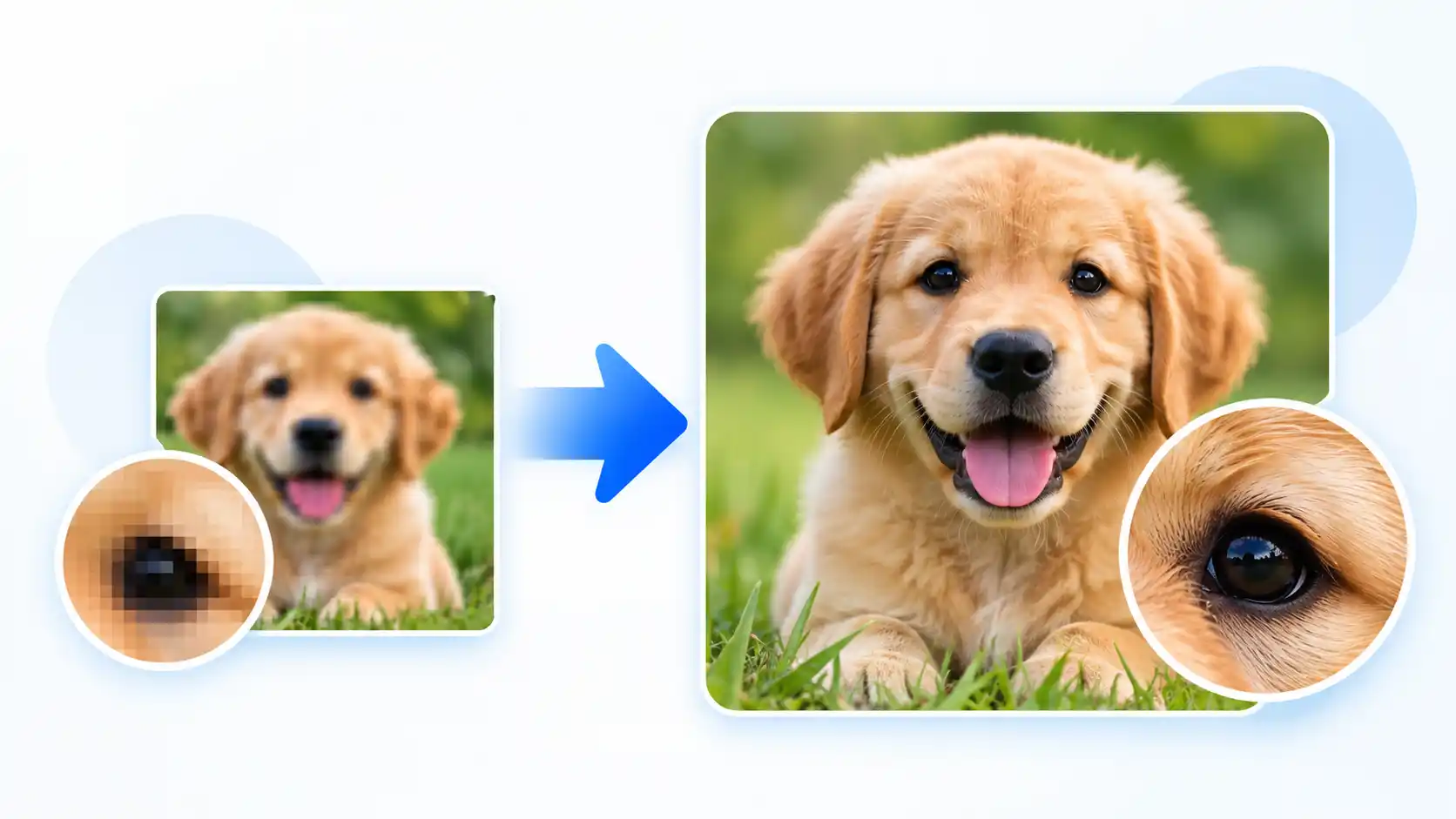
How to Image Upscaler
Using an image upscaler does not need to be complicated. You can follow a few simple steps to make your image larger.
Upload Your Image
Start by selecting the image you want to enlarge from your computer or mobile device. The tool supports common image formats such as JPG, PNG, and WebP.
Choose the Scale
Select the enlargement level that suits your needs. You can choose a smaller increase when you only need a little more resolution, or a higher level when you need a much larger image.
Download the Result
After the image is processed, check the new dimensions and file size. If you are happy with the result, download the enlarged image to your device.
For the best result, start with the highest-quality original image you have. A clear image with enough detail will usually produce a better enlarged version than a very small or heavily compressed image.
Features of our Image Upscaler
We wanted to keep the tool straightforward, so you do not have to deal with unnecessary settings. The main features are focused on making image enlargement quick and easy.
Easy Image Upload
Upload your image directly from your device and see a preview before starting the enlargement process.
Multiple Upscale Levels
Choose between different enlargement levels depending on how large you want your final image to be.
Original Image Information
After uploading, you can see the original file size, image dimensions, and file type before processing.
New Image Dimensions
Once processing is complete, the tool shows the new width and height so you can easily check the result.
Simple Download
When your enlarged image is ready, you can download it directly without going through complicated steps.
Mobile Friendly
The interface is designed to work on desktop computers, tablets, and mobile phones.
Free Online Image Upscaler
If you only need to enlarge an image occasionally, installing a large photo editing program can feel unnecessary. An online image upscaler gives you a simpler way to handle this type of task.
You can use the tool from a modern web browser without learning complicated editing software. This can be useful when you need a larger image for a website, presentation, online store, social media post, document, or personal project.
The tool is also useful when you want to quickly check how an image looks at a higher resolution. Instead of changing the image dimensions manually in an editor, you can select an upscale level and create the larger version in a few steps.
Keep in mind that increasing the resolution does not automatically make a low-quality image look perfect. If the original photo is extremely small, blurry, or damaged, the enlarged version may still show some of those problems.
Supported Formats
Our Image Upscaler supports some of the most commonly used image formats. This makes it convenient for everyday image enlargement tasks.
JPG and JPEG are commonly used for photographs and general-purpose images. PNG is useful when you need transparency or want to keep lossless image data. WebP is a modern format that is widely used on websites because it can provide smaller file sizes.
If your image is saved in a different format, you may need to convert it to one of the supported formats before using the upscaler.
Frequently Asked Questions
What is an Image Upscaler?
An Image Upscaler is a tool that increases the pixel dimensions of an image. For example, it can turn a 500 × 500 pixel image into a 1000 × 1000 pixel image.
Is the Image Upscaler free?
Yes. This online version is designed as a free image enlargement tool, so you can upscale supported images without purchasing desktop editing software.
Can I upscale a JPG image?
Yes. JPG and JPEG images are supported. You can upload a JPG image and choose the enlargement level you need.
Can I upscale a PNG image?
Yes. PNG images are supported. The tool can enlarge PNG files while keeping the PNG output format.
Can I use the Image Upscaler on my phone?
Yes. The interface is responsive and can be used from a modern mobile browser. Processing very large images may require more memory and can take longer on some phones.
Will upscaling make a blurry image perfectly clear?
Not always. Upscaling increases the number of pixels, but it cannot completely restore information that was missing from the original image. Starting with a good-quality source image usually gives better results.
What is 2× image upscaling?
2× upscaling means increasing both the width and height by two times. For example, a 600 × 400 pixel image becomes 1200 × 800 pixels.
What is 4× image upscaling?
4× upscaling increases both the width and height four times. For example, an 800 × 600 pixel image becomes 3200 × 2400 pixels.
Do I need to install software to upscale an image?
No. You can use the online tool directly from your web browser. There is no need to install a traditional image editing program just to enlarge an image.
What type of images work best with an upscaler?
Images with reasonable resolution, clear edges, and good original quality generally produce better results. Extremely small, blurry, or heavily compressed images may still look imperfect after enlargement.
Make Your Images Larger in a Few Steps
Whether you need a larger photo for a website, product listing, presentation, social media, or another project, an image upscaler can save you time. Upload your image, select the enlargement level, process it, and download the result.
For the best possible result, always keep the original image and use the highest-quality version available. This gives the upscaling process more information to work with and can help produce a cleaner final image.