QR Code Generator
Create QR codes for URLs, text, contact details, WiFi and social profiles — directly in your browser. Your data stays in your browser.
Image / Logo QR Code
Upload Image / Logo
Select an image to place it in the center of your QR code.
QR Code Content
QR Code Content
Email QR Code
Phone QR Code
SMS QR Code
vCard Contact
MECARD Contact
Location QR Code
Facebook QR Code
Twitter / X QR Code
YouTube QR Code
WiFi QR Code
Event QR Code
Bitcoin QR Code
Image QR Code Generator – Create QR Codes with Logo
Create QR codes for your website, text, or other information and place your own image or logo in the center. Our free Image QR Code Generator makes it easy to create a clean, branded QR code that you can download as a PNG image.
What Is an Image QR Code?
An Image QR Code is a regular QR code that includes a visual logo or image in the center. Instead of displaying only a traditional black-and-white QR pattern, you can add a small brand logo, icon, product image, or other graphic to make the QR code more recognizable.
An Image QR Code Generator combines your QR content with a center image while keeping the QR pattern visible around the logo. This makes the code useful for websites, businesses, marketing materials, product packaging, social media, events, and printed designs.
Why Use an Image QR Code Generator?
A QR code is often used in places where people need to quickly access digital information. Adding a logo can help the QR code fit naturally into a brand's visual identity. Instead of creating a separate design around the QR code, you can include your image directly in the center.
Add Your Logo
Place a small image or brand logo in the center of your QR code.
Quick Creation
Create your QR code quickly without complicated design software.
Browser Based
Your selected image can be processed directly in your browser.
Mobile Friendly
The design works across phones, tablets and desktop browsers.
Download PNG
Save the finished QR code as a PNG image for your projects.
Branded Design
Make your QR code visually match your business, product or campaign.
How to Create a QR Code with a Logo
Creating an image QR code is simple. You only need the information you want the QR code to contain and the image you want to use as the center logo.
Upload Your Image
Choose your logo, icon, or image from your device. Use a clear image for the best visual result.
Enter QR Content
Enter the website URL, text, or other information that you want people to access after scanning.
Generate and Download
Generate your QR code, check the preview, and download the finished PNG file.
Image QR Code Generator in Action
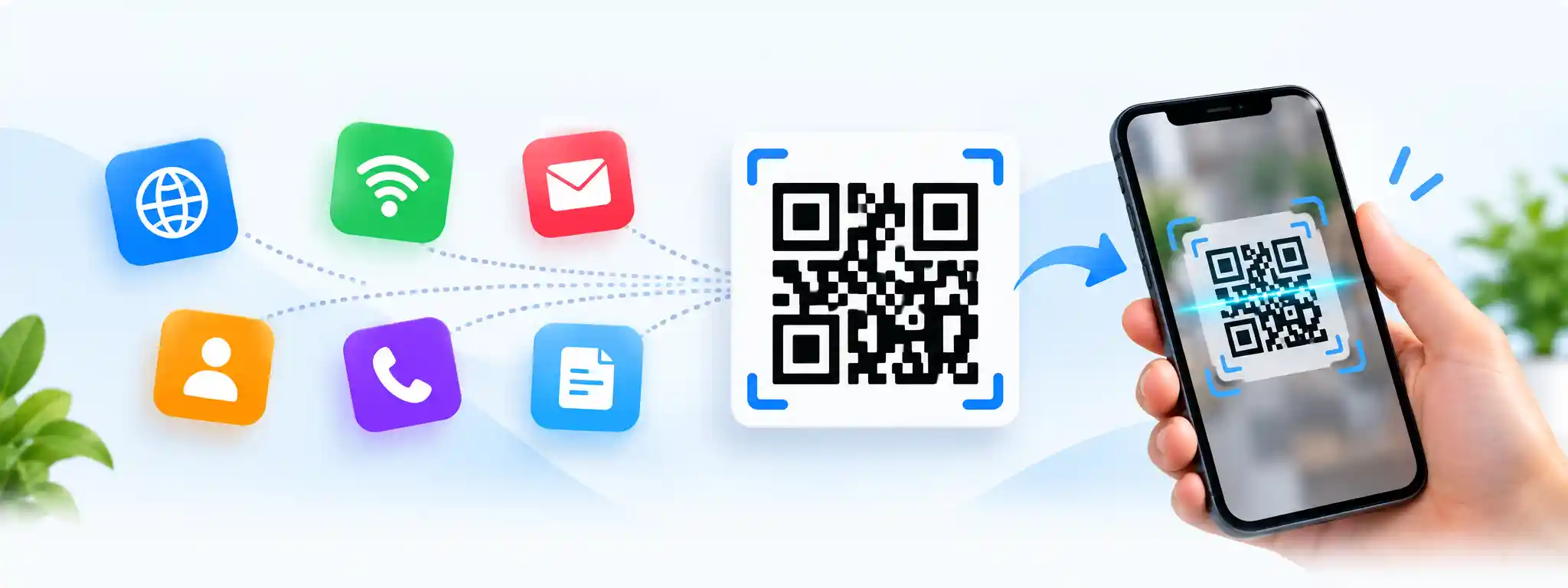
A logo can make a QR code easier to recognize when it is used as part of a business card, product design, promotional material, or online graphic. The example below can be replaced with your own image whenever you want to showcase your QR code design.
Common Uses
Image QR codes can be used in many digital and offline situations where a quick connection between printed material and online information is useful.
- Business cards
- Product packaging
- Restaurant menus
- Event invitations
- Marketing materials
- Social media graphics
- Printed advertisements
- Business promotions
For Businesses
Businesses can use a branded QR code to connect customers with websites, product pages, contact information, menus, registration pages, or other digital resources.
Adding a recognizable logo can also make the QR code visually fit better with existing marketing materials and brand designs.
Tips for Creating a Better Image QR Code
Adding an image to a QR code changes the visual design, so it is important to keep the logo reasonably small and maintain enough contrast around the QR pattern. A clean image and simple design can make the final result easier to use.
Use a Clear Logo
Choose an image that remains recognizable when reduced to a small size.
Keep White Space
Avoid covering too much of the QR pattern with the center image.
Test the QR Code
Scan the generated QR code before using it in a printed or public design.
Where Can You Use an Image QR Code?
An Image QR Code Generator can be useful whenever you want to combine scannable information with a recognizable visual identity. You can use the resulting QR code in both digital designs and printed materials.
- Websites and landing pages
- Business cards
- Flyers and brochures
- Product labels
- Restaurant menus
- Event tickets
- Posters and advertisements
- Social media posts
Frequently Asked Questions
What is an Image QR Code Generator?
An Image QR Code Generator is a tool that creates a QR code and places an image or logo in the center. It can be used to create branded QR codes for websites, text, businesses, products, and marketing materials.
Can I add my own logo to a QR code?
Yes. You can upload your own logo or image and use it as the center image of the QR code.
What image formats can I use?
Common image formats such as JPG, PNG, WEBP and GIF can be used for the logo image, depending on the tool settings.
Can I download the generated QR code?
Yes. The generated QR code can be downloaded as a PNG image and used in your digital or printed projects.
Is the Image QR Code Generator free?
Yes. You can use the Image QR Code Generator to create a QR code with your logo without needing complicated design software.
Is it possible to use an Image QR Code for business?
Yes. Branded QR codes can be used on business cards, packaging, menus, advertisements, event materials, product labels and other promotional designs.
Related Image Tools
Explore more useful image tools for resizing, compressing, converting, editing and analyzing images.
Create a QR Code with Your Logo
Give your QR code a more recognizable look by adding your own image or logo in the center. Create, preview and download your QR code for your next project.