What Is Image to Text Converter?
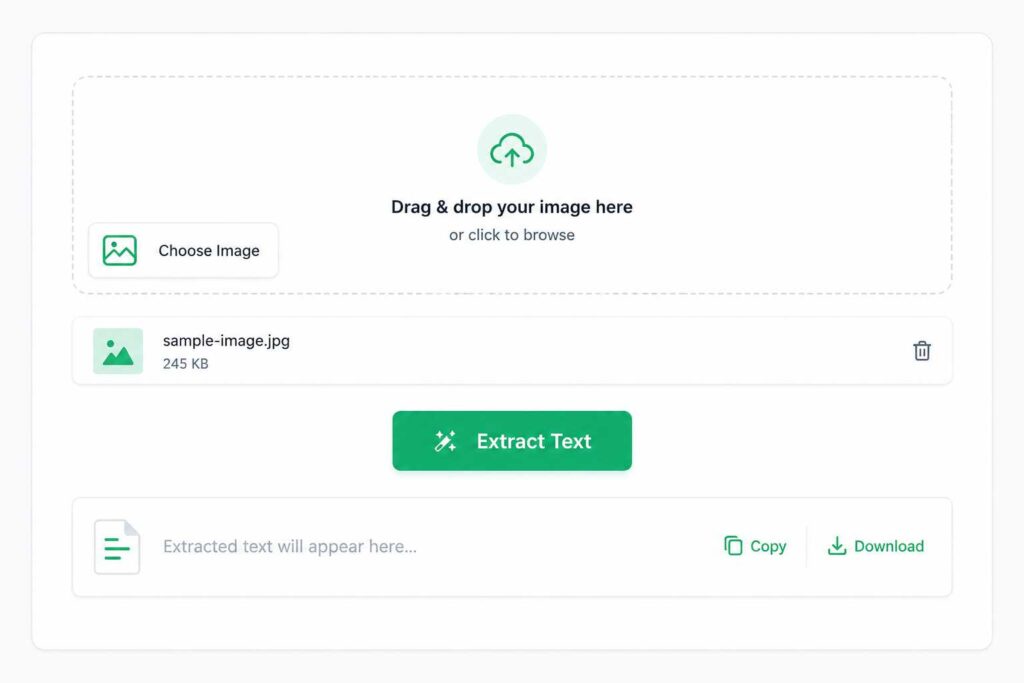
Image to Text Converter is a simple online tool that extracts written or printed text from an image and turns it into editable text. Instead of typing everything manually, you can upload a photo, screenshot, scanned document, or another supported image and let the tool do the work for you.
This can be useful when you have text inside an image that you want to copy, edit, save, or reuse. Students, office workers, researchers, and everyday users can use an image to text converter to save time and avoid unnecessary typing.
How Does Image to Text Converter Work?
Most Image to Text Converters use OCR (Optical Character Recognition) technology to recognize characters inside an image.
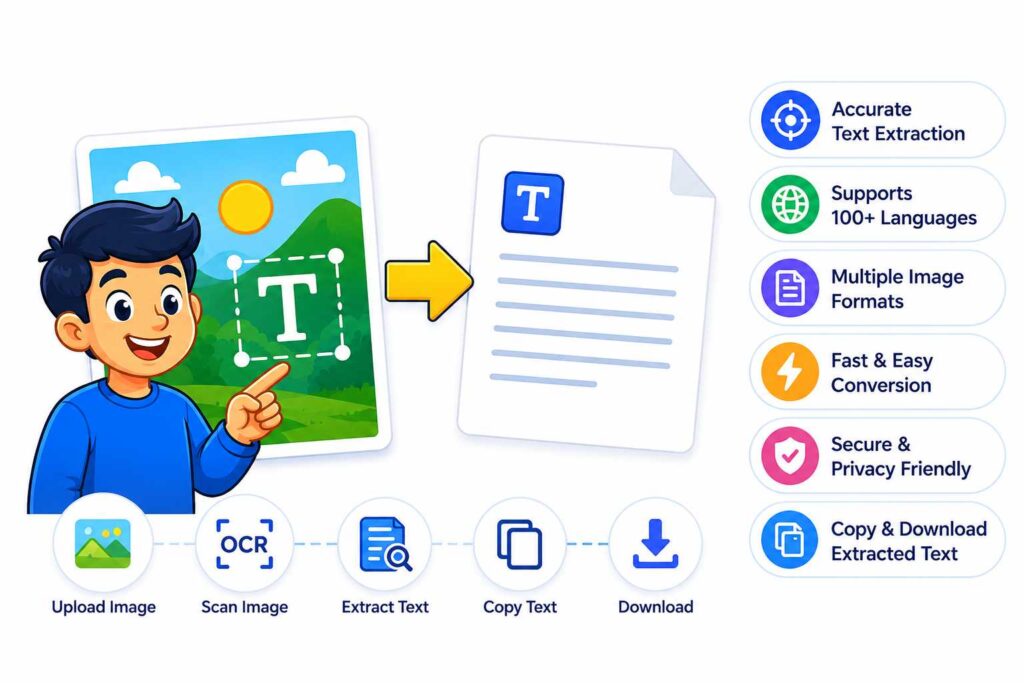
The process is usually quite simple:
Upload an image – Select a photo, screenshot, scan, or another supported image.
Image processing – The tool analyzes the image and tries to improve the visibility of the text.
Text recognition – OCR technology identifies letters, numbers, words, and other characters.
Text extraction – The recognized content is converted into normal, editable text.
Copy or download – You can copy the extracted text or save it for later use.
The final result can depend on image quality. Clear images with readable text usually produce better results than blurry, dark, or heavily distorted images.
Image to Text Converter - Features
A good Image to Text Converter can make text extraction much easier. Some useful features include:
Fast text extraction: Extract text from an image within a few seconds.
OCR technology: Recognizes printed or handwritten text depending on the tool and image quality.
Multiple image formats: Supports commonly used formats such as JPG, PNG, WebP, and GIF.
Easy-to-use interface: Uploading an image and getting the text should not require technical knowledge.
Copy extracted text: Quickly copy the result and paste it into another document or application.
Multiple language support: Some tools can recognize text in different languages.
No manual typing: Helps reduce the time spent copying text from images.
Works with screenshots: Useful for extracting text from screenshots, online images, or saved photos.
Privacy-focused processing: Depending on the service, uploaded images may be processed temporarily rather than stored permanently.
Supports 100+ Languages
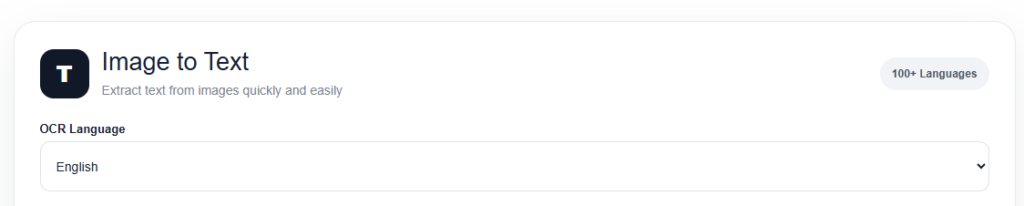
Extract text from images in more than 100 languages with broad OCR language support. Whether you’re working with English, Bengali, Spanish, French, Arabic, or other commonly used languages, the Image to Text Converter makes it easier to turn image-based text into editable content.
Use Image to Text Converter for Free
You can use the Image to Text Converter for free without complicated steps. Simply upload your image, let the tool process it, and copy the extracted text. It is a convenient option for students, professionals, and anyone who needs to extract text from an image without typing everything manually.
Image to Text Converter (FAQ)
What is an Image to Text Converter?
An Image to Text Converter is an online tool that uses OCR technology to read text from an image and turn it into editable text. It can be helpful when you have text in a photo, screenshot, or scanned document and don’t want to type it manually.
How accurate is an Image to Text Converter?
The accuracy mainly depends on the image quality. Clear, sharp, and well-lit images usually give better results. If the text is blurry, too small, or difficult to see, you may need to check the extracted text and make a few corrections.
Can I extract text from a screenshot?
Yes, you can. If the screenshot has clear and readable text, our Image to Text Converter can extract it for you. This can be useful when you want to copy text from a screenshot without typing it yourself.
Can the Image to Text Converter recognize different languages?
Yes. Our tool supports 100+ languages, making it useful for extracting text from images in different languages. For the best results, make sure the text is clear and easy to read.
Can I convert handwritten text into digital text?
You can try extracting handwritten text if it is neat and clearly visible. Handwriting can be harder for OCR to read than printed text, so it’s a good idea to quickly review the result after extraction and correct anything that needs fixing.
Is the Image to Text Converter free?
Yes, our Image to Text Converter is completely free to use. You can upload an image, extract the text, and copy the result without paying for the basic text extraction feature.
What type of image gives the best results?
For better results, use a clear, high-resolution image with good lighting and straight text. Try to avoid blurry, dark, or heavily compressed images. If possible, crop the image so the text is easy to see.
Can I edit the extracted text?
Yes. After extracting the text, you can copy it and edit it as needed. It’s always worth giving the result a quick review, especially when the original image contains unusual fonts, symbols, tables, or handwritten text.