Features of Our PNG to Text Converter
Our PNG to Text converter includes useful features that make image text extraction easier.
Simple Image Upload
Upload your PNG file with just a few clicks. You can also drag and drop an image into the upload area.
Text Extraction from PNG Images
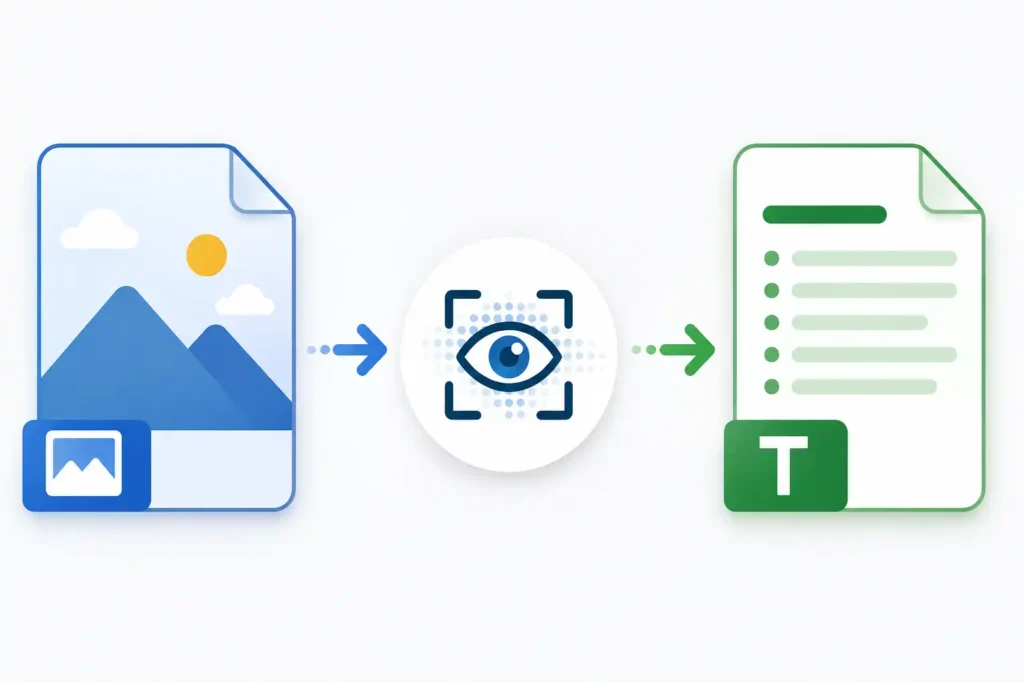
The tool reads visible text from your uploaded image and converts it into text that you can edit and reuse.
Multiple Language Support
Images may contain text written in different languages. The tool supports a wide range of languages, allowing you to choose the one that matches your image.
Search for Your Language
Instead of manually looking through a long list, you can search for the language you need. This makes language selection faster.
Preview Before Conversion
After uploading your image, you can see a preview before extracting the text. This helps you make sure that you selected the correct file.
Editable Extracted Text
The final text is not locked. You can edit the extracted content directly if you want to correct words, remove unnecessary text, or add something.
Copy Text Easily
After the PNG to Text conversion is complete, you can copy the result with one click and paste it into your document, notes, email, or other application.
Download Your Text
If you want to save the result, you can download the extracted text as a TXT file.
Works in Your Browser
You can use the tool directly from your browser without installing additional OCR software on your computer.
Mobile-Friendly Design
The PNG to Text converter can also be used on mobile devices, making it easier to extract text when you are away from your computer.
Free Online PNG to Text
Our free online PNG to Text tool is made for anyone who wants to get text from an image without manually typing everything.
PNG files are commonly used for screenshots, graphics, digital notes, and scanned content. Sometimes the information inside these images needs to be reused, but an image does not allow you to simply select and copy the text. In that situation, an online PNG to Text converter can save time.
Upload your image, select the correct text language, and start the extraction process. When the tool finishes reading the image, you can review the result and make any necessary changes.
The tool is useful for everyday tasks such as copying information from screenshots, saving notes from images, extracting text from graphics, or turning image-based content into editable text.
Supported Formats
Although this page focuses on PNG to Text conversion, our Image to Text converter also supports other popular image formats.
PNG (.png)
PNG is often used for screenshots, graphics, digital designs, and images that contain text. Upload your PNG file to extract readable text from the image.
JPG (.jpg)
JPG is one of the most common image formats. Images containing readable text can be uploaded and processed with the Image to Text converter.
JPEG (.jpeg)
JPEG is another commonly used image format, especially for photographs and digital images. The tool can detect readable text from supported JPEG images.
WebP (.webp)
WebP is widely used for images on modern websites. If your WebP image contains readable text, you can upload it and convert the visible content into editable text.
Frequently Asked Questions
What is PNG to Text?
PNG to Text is a process that reads visible text from a PNG image and converts it into editable text that you can copy or save.
How can I convert PNG to text online?
Upload your PNG image, select the language used in the image, and start the text extraction process. After processing is complete, the detected text will appear in the result area.
Is the PNG to Text tool free?
Yes, the tool can be used online without installing traditional OCR software.
Do I need to create an account?
No account is required to use the basic PNG to Text conversion process.
Can I extract text from a screenshot?
Yes. If your screenshot is saved as a PNG file and the text is clear enough to read, you can upload it and extract the visible text.
Does the tool support Bangla text?
Yes. You can select Bengali (Bangla) from the supported language list when your PNG image contains Bangla text.
Can I edit the extracted text?
Yes. After the text is extracted, you can edit it directly before copying or downloading it.
Can I copy the result?
Yes. You can use the Copy Text option to copy the extracted text and paste it into another application.
Can I download the extracted text?
Yes. The extracted result can be downloaded as a TXT file.
Which image formats are supported?
The tool supports PNG, JPG, JPEG, and WebP image formats.
Does the image need to be clear?
For better results, the text in the image should be reasonably clear and easy to read. Blurry images, very small letters, poor lighting, or low-quality screenshots may reduce text recognition accuracy.
Does the tool support different languages?
Yes. The tool supports many languages. Choosing the correct language before starting the conversion can help improve the text recognition result.